Oct 22, 2026
New
Two free guides for a search that has stalled
Can’t find a job? walks through what to check, in order, when applications go nowhere. How to build a job search strategy shows how to set up a search you can keep up week after week.
What's new and improved across CareerCorner — and when your feedback drove the change, it says so.
Can’t find a job? walks through what to check, in order, when applications go nowhere. How to build a job search strategy shows how to set up a search you can keep up week after week.
When the same job reached your pipeline from two places, or matched a role you had added yourself, it could show up twice. It now shows up once, with everything known about it in one row.
Roles with no clear location, or in a city that only shares a name with one you chose, could reach your pipeline. A role now needs a place on your list, unless it is remote or your search covers the whole country.
On days with many new roles, scoring could stop partway and say it was interrupted. It now paces itself to finish, and anything left over is scored on the next run.
When we ship an update, the app now refreshes quietly the next time you open another page. You only see a notice if a tab has stayed on an old version for hours.

When your coach proposes a change on a card, it now sees whether you confirmed it, dismissed it or left it open, and carries on from there instead of asking again.
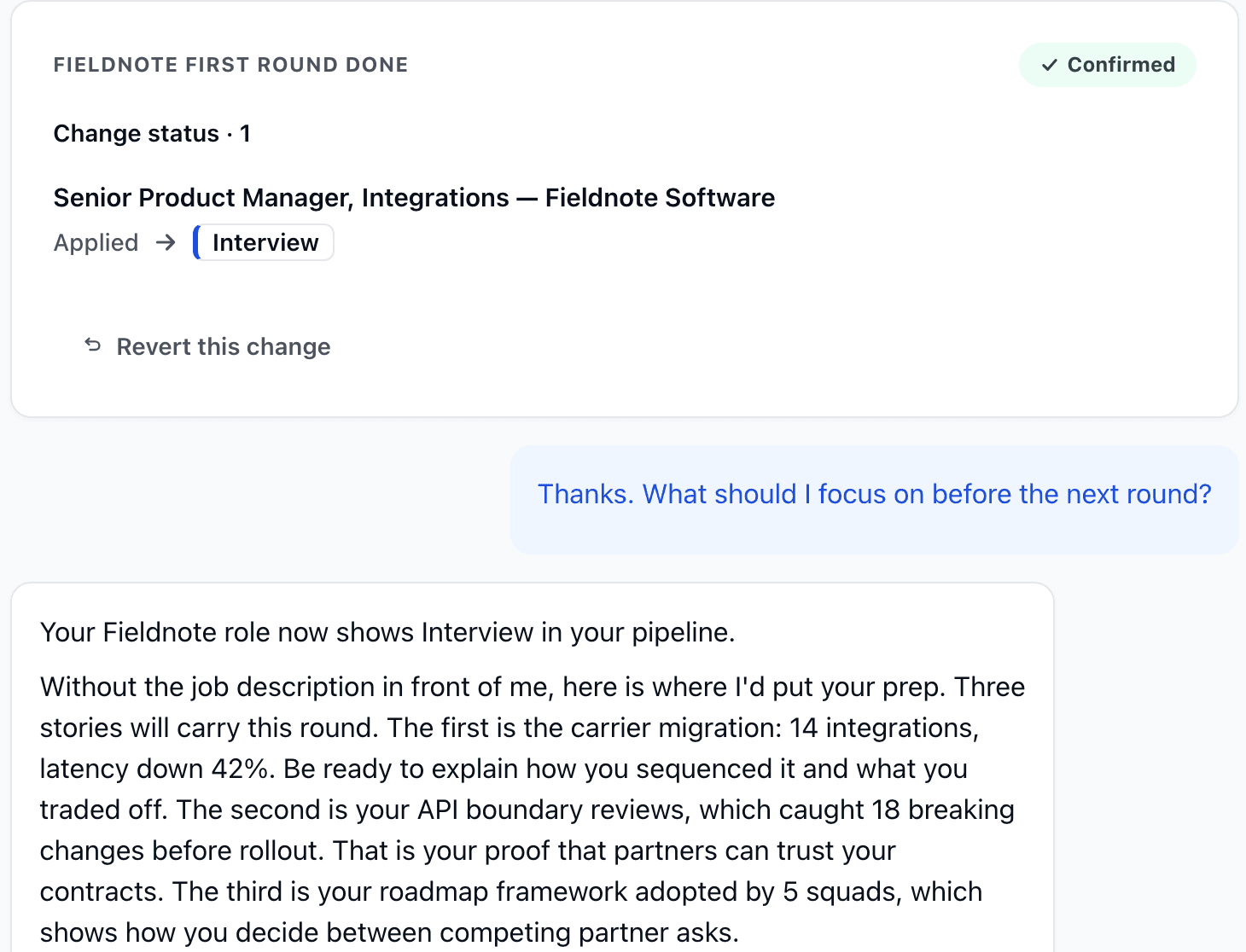
Name a company and your coach looks through all of its open roles, not only the ones in your pipeline. It reads the likely fits in full, tells you which match your background and why, and can add the ones you pick to your pipeline.
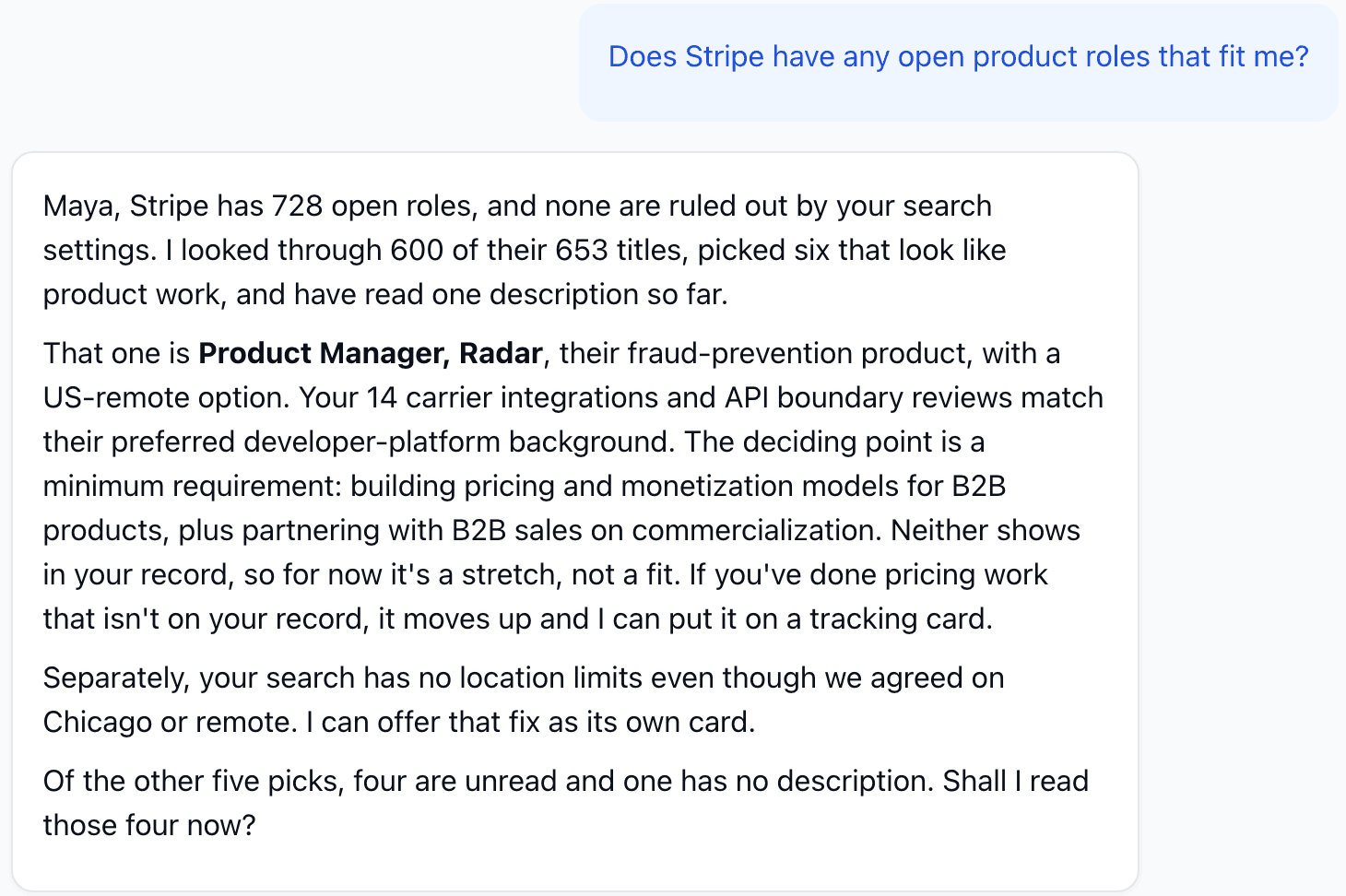
A role is now checked twice before it is marked as not a fit. When you change your search, roles set aside under your old settings get a fresh look.
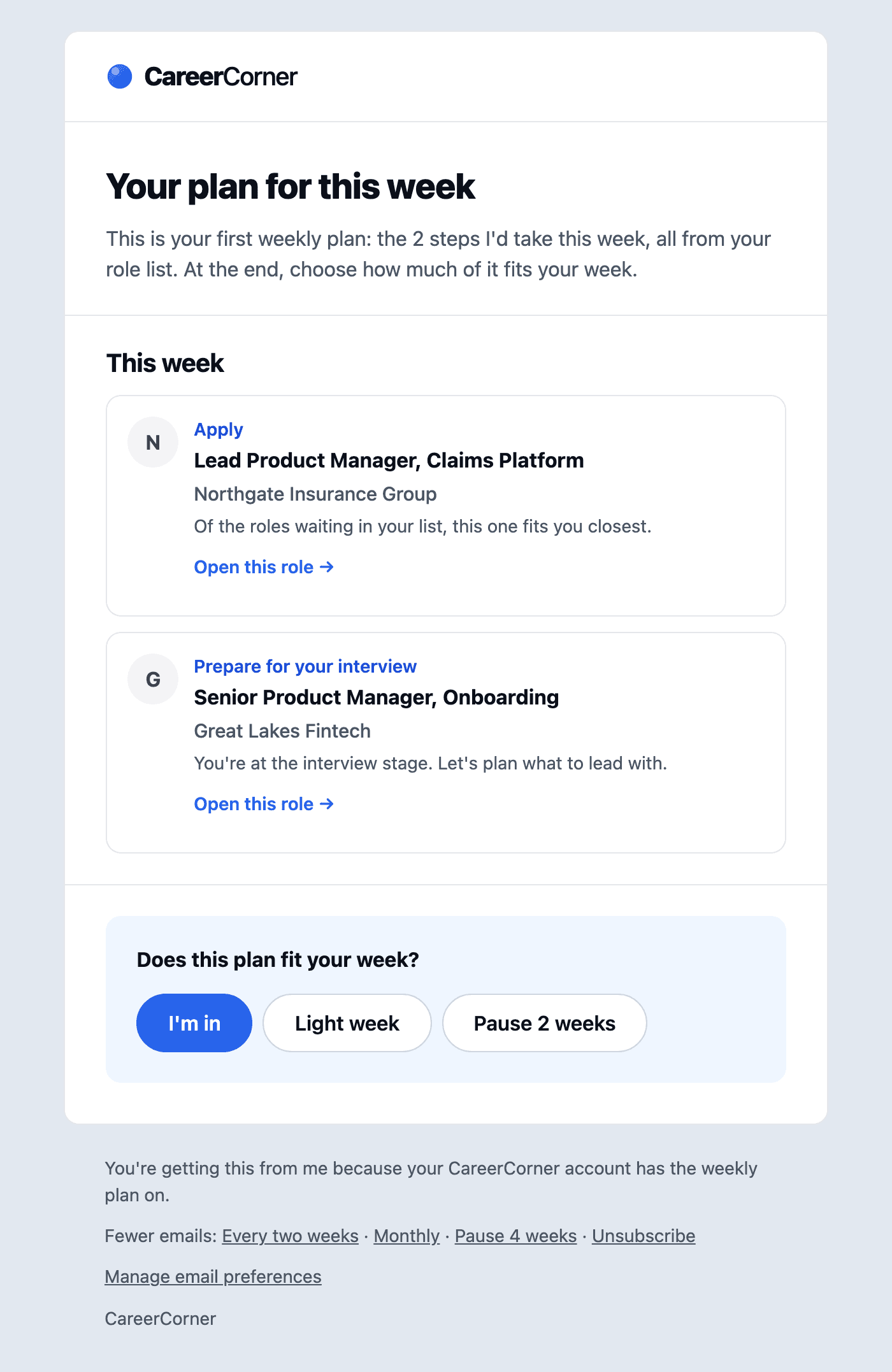
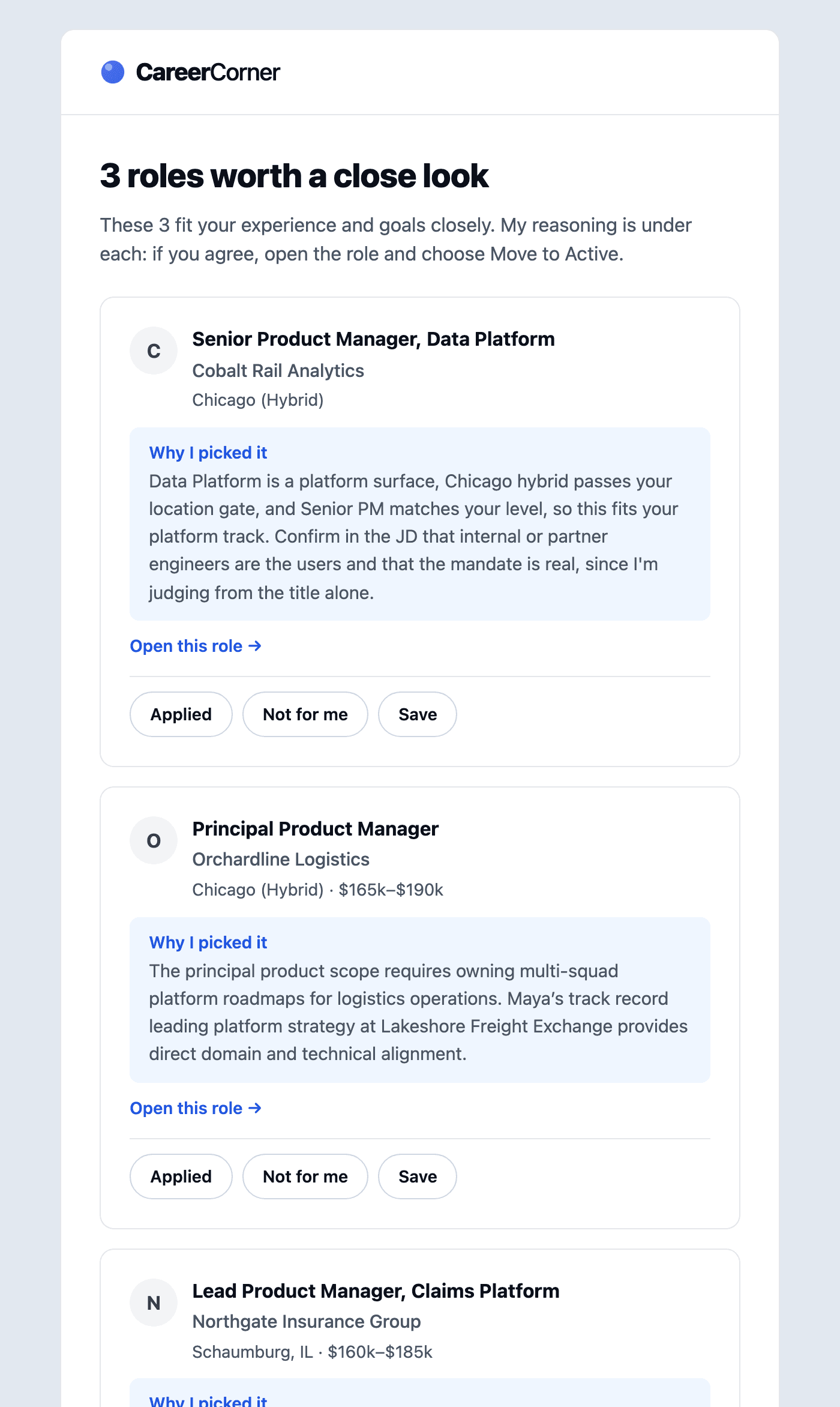
Every Monday you get one email built from your own search: what moved last week, up to three next steps, and new close fits. One tap tells us how your week looks: all in, a light week, or a two-week pause.
Top-match emails now show each company’s logo, and you can mark a role Applied, Not for me or Save with one tap.
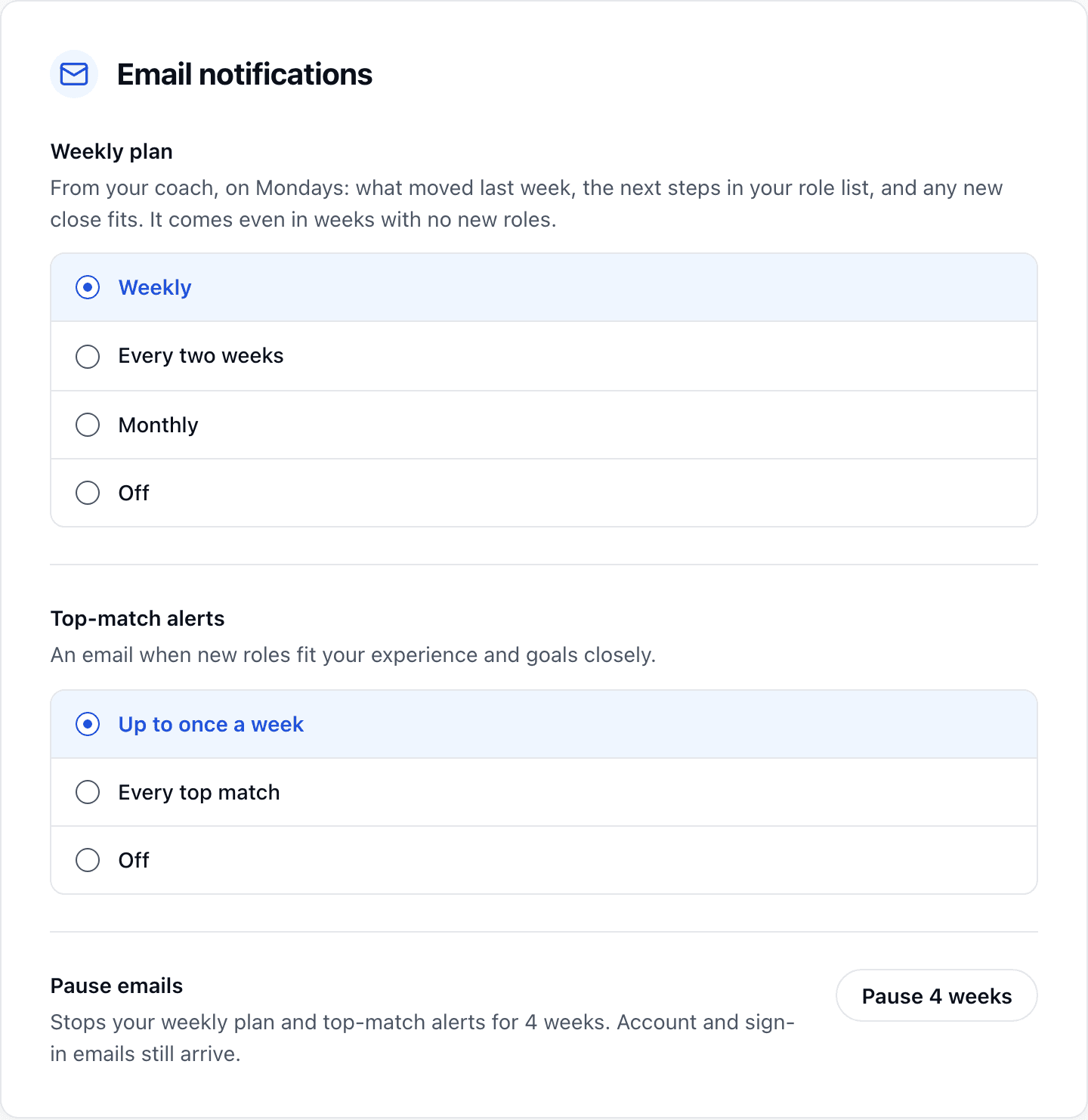
In Settings, pick how often the weekly plan arrives and how often top-match alerts come, or pause all email for four weeks. The unsubscribe page offers the same choices, so fewer emails is one click away.
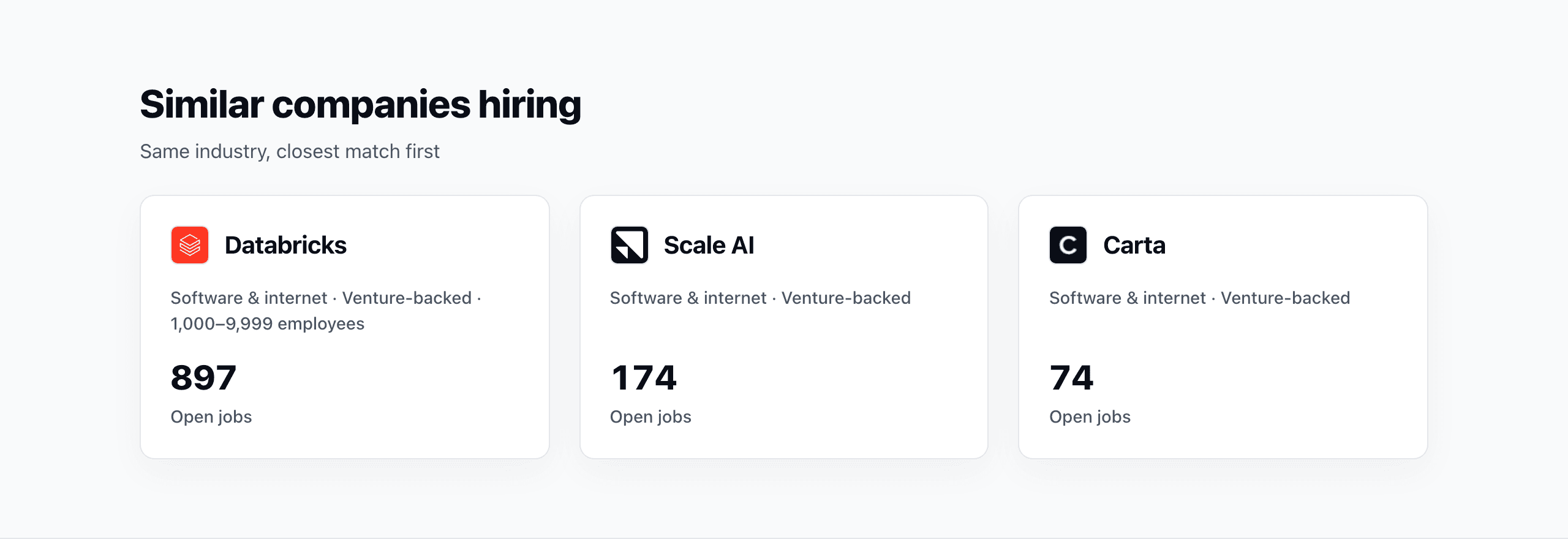
A company’s page now suggests three similar companies, each with a short line on why: the same sector, ownership, size or location. Start from any page in Companies.
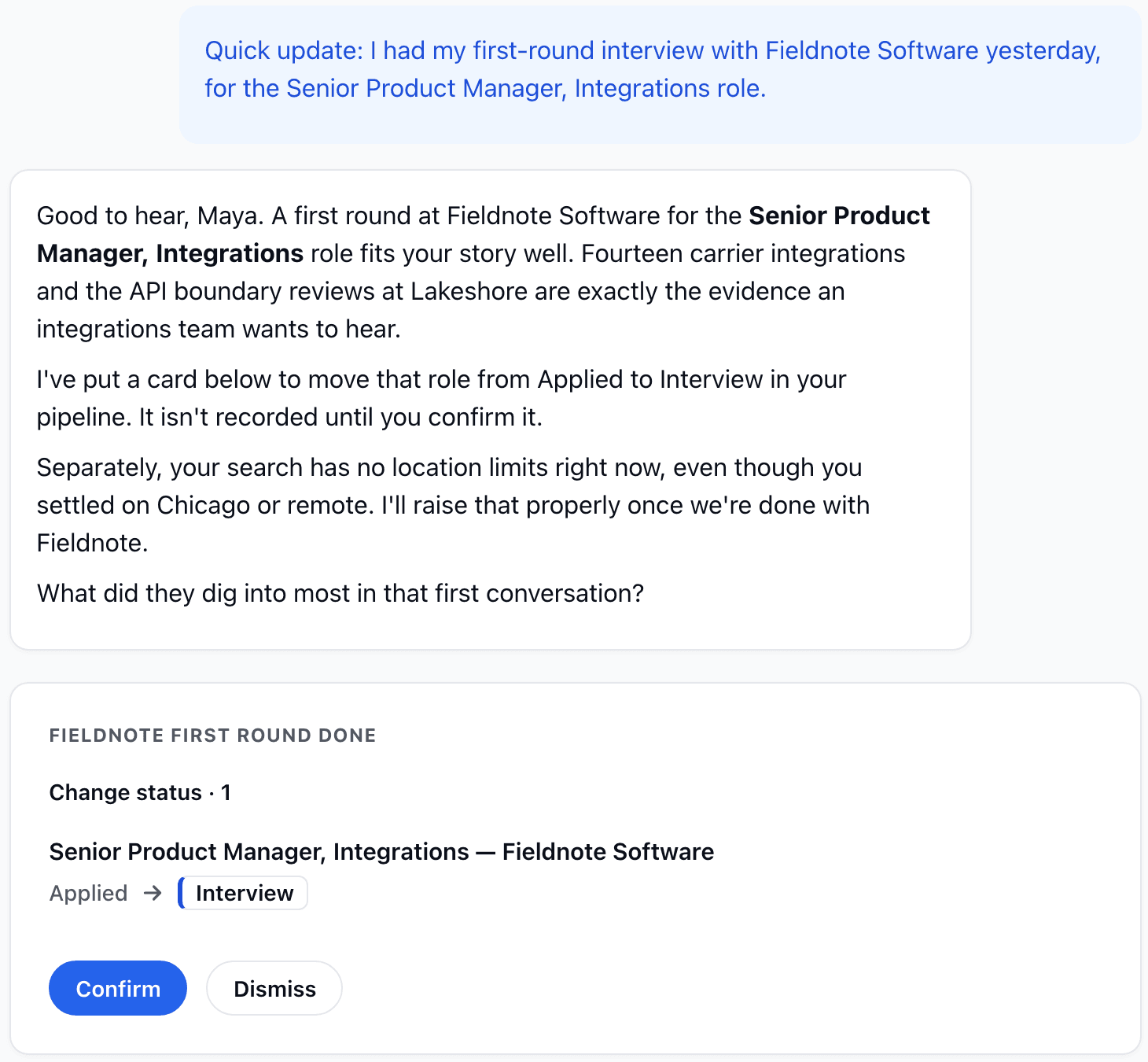
Tell your coach you applied, interviewed or heard back, and it offers a card that records it when you confirm. Paste a job description or send a link, and it can add the role to your pipeline for you.
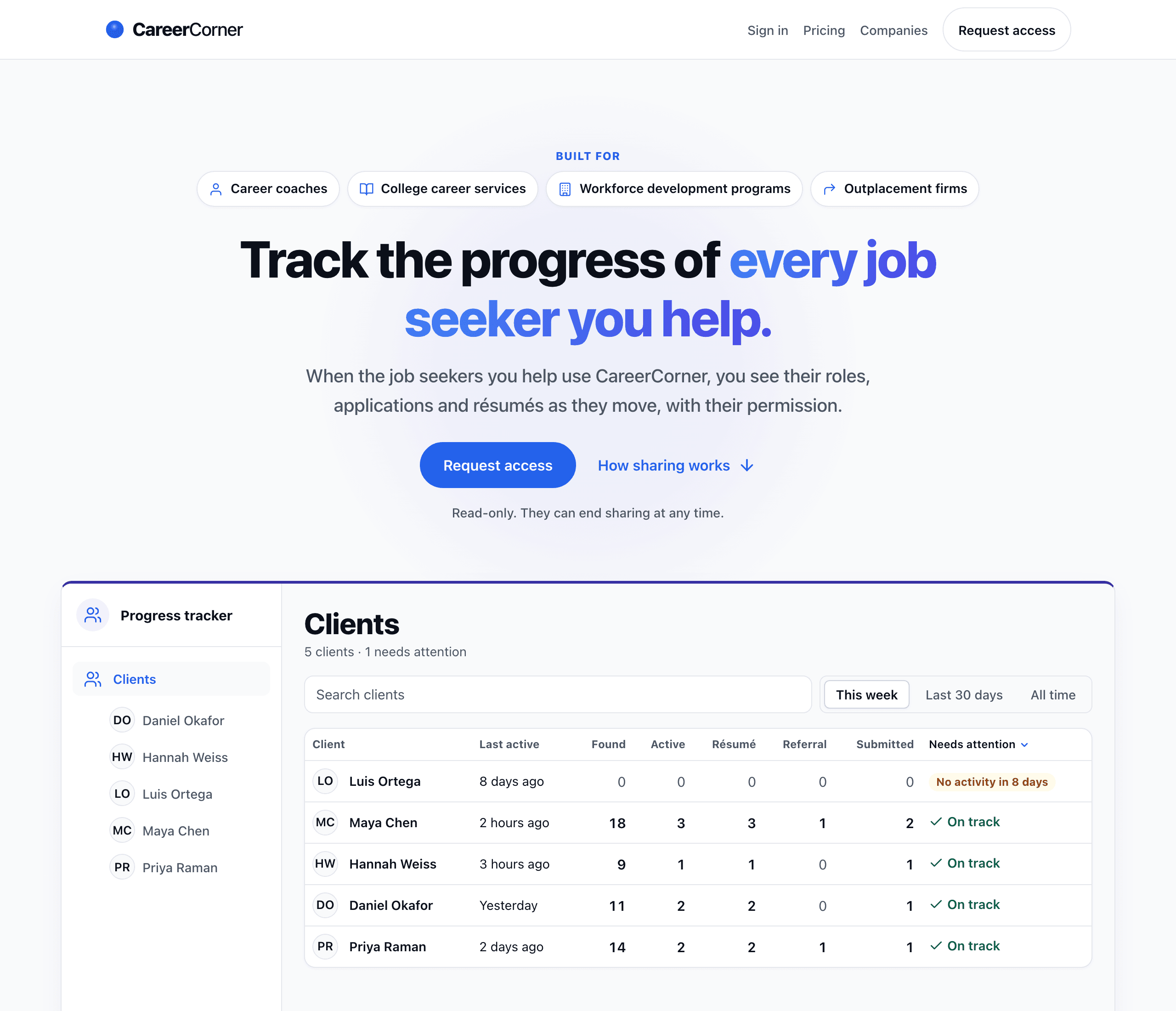
Career coaches, college career services, workforce programs and outplacement firms can now request access to follow their clients’ searches, with each client’s consent.
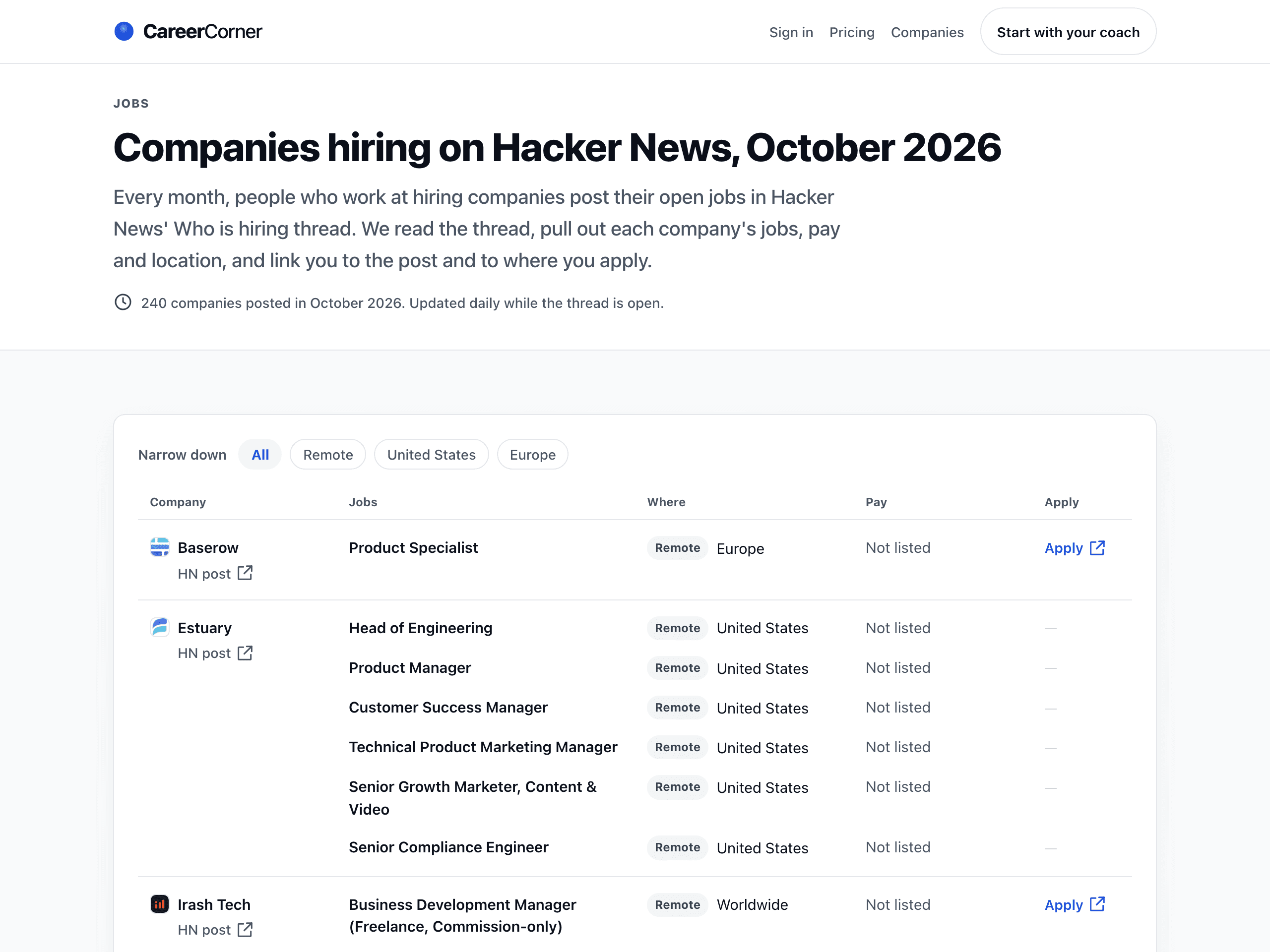
Every month, people at hiring companies post their openings in Hacker News’ Who is hiring thread. Those jobs now reach your pipeline when they fit your search, and you can browse this month’s companies with pay, location and a link to apply, plus earlier months.
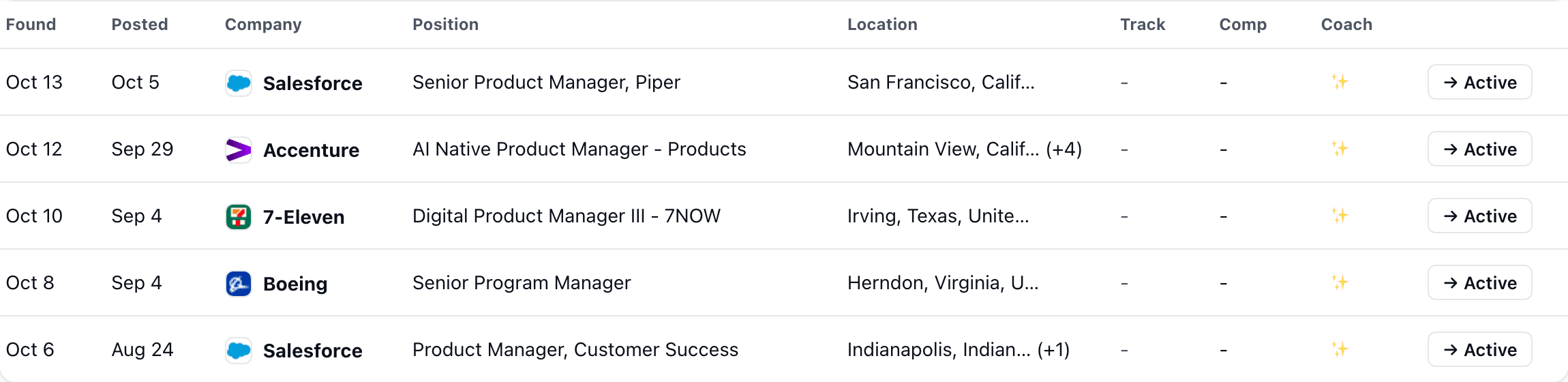
Roles from some large employers arrived without a location, so they could slip past the places you said you can work. They now carry their location, and your pipeline keeps only the ones that fit.
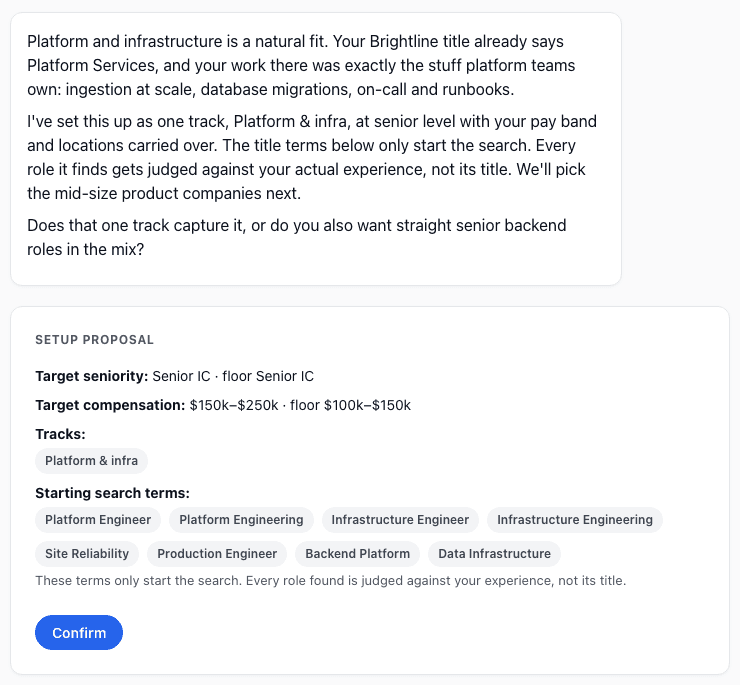
When your coach proposed a strategy and a search together, the plan showed only the strategy. It now also lists the companies and search terms, so you approve exactly what will run.
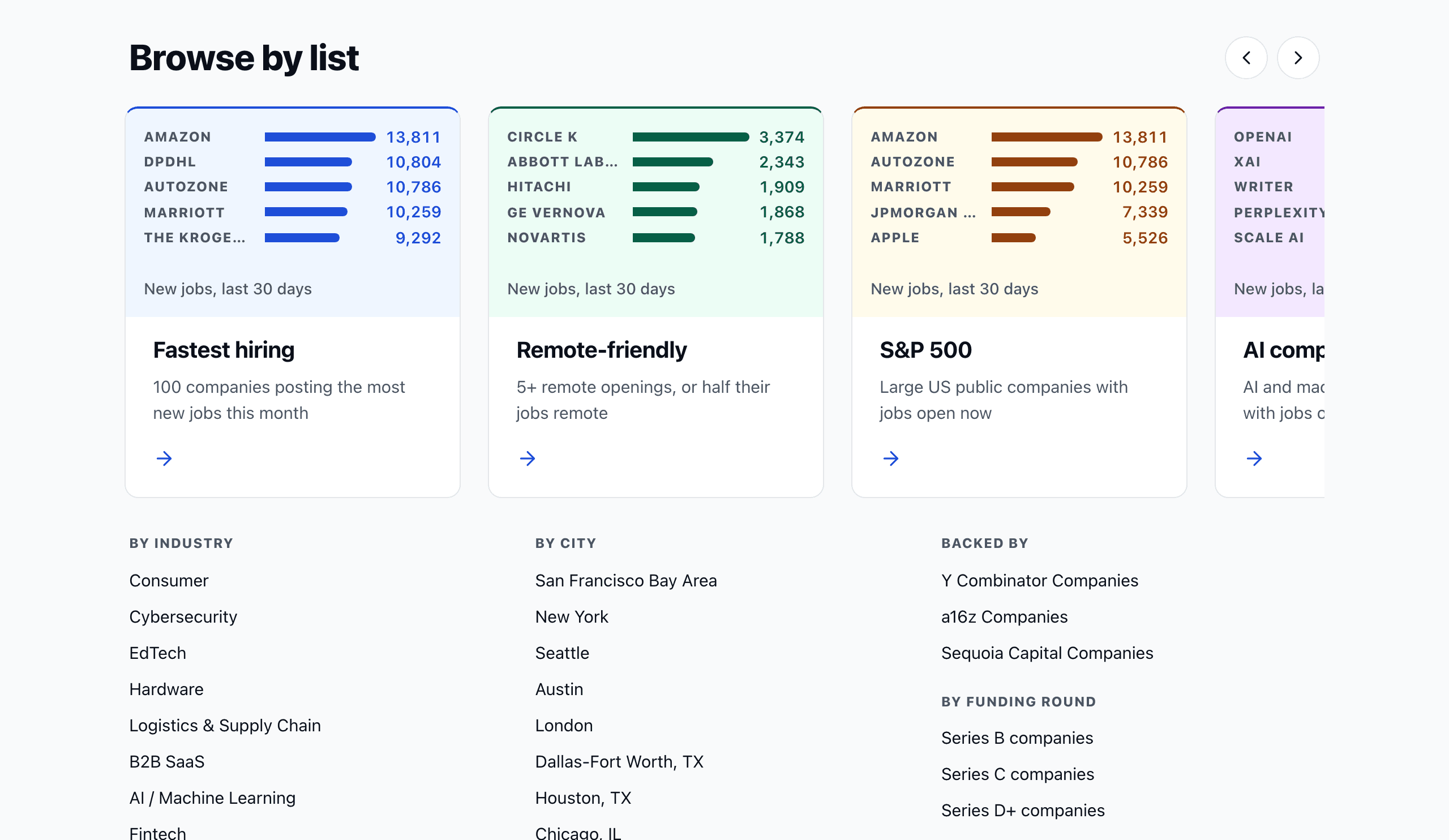
Companies now has lists by latest funding round, from Series B to later stages, and a list of S&P 500 companies hiring now. A company’s page shows its funding stage when it is on record.
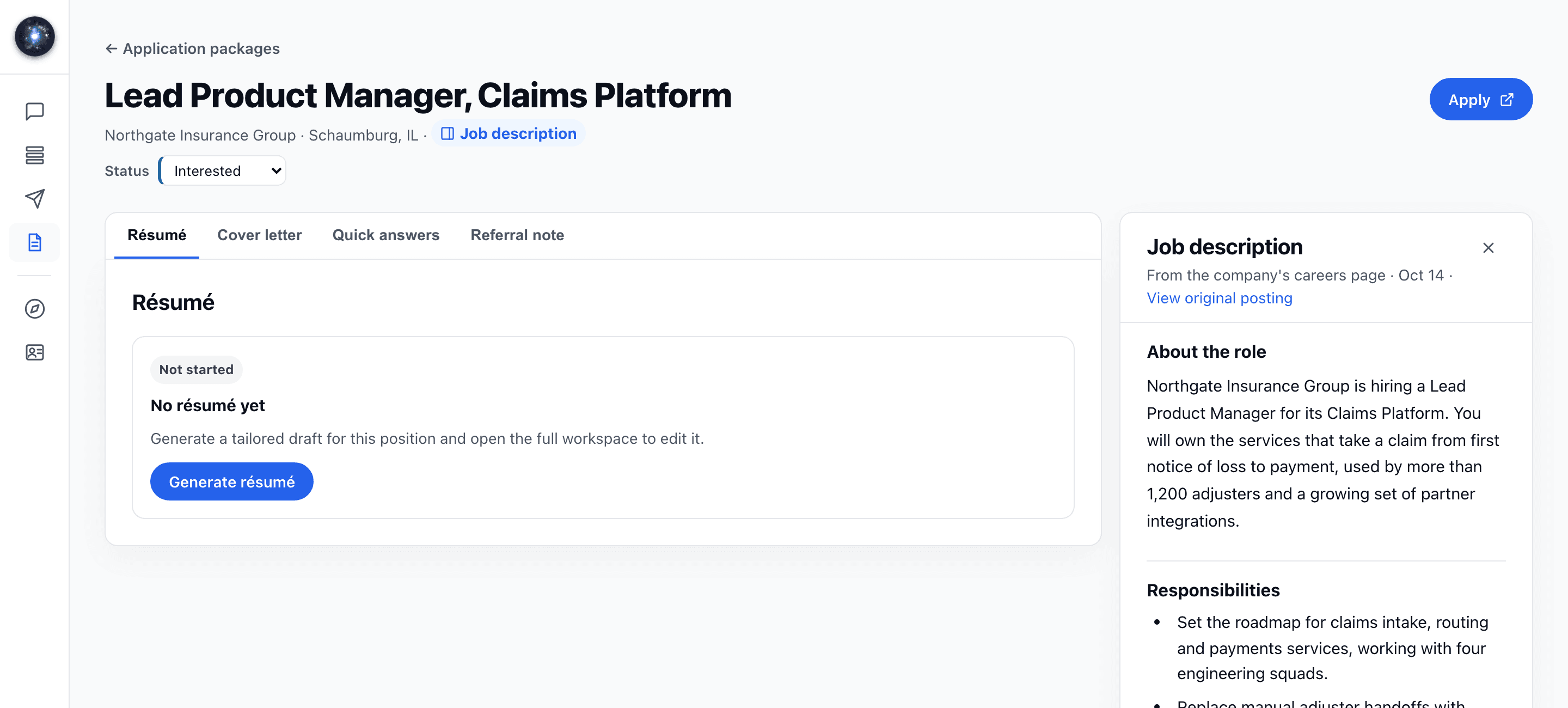
Open the posting straight from your application package, with the job description beside your résumé. When you come back, it asks whether you applied and records the date and the résumé version you sent.
When you finish setup, your pipeline now says it is searching and fills in by itself as roles come in. The first ones usually land within a few minutes. If there is nothing to search for yet, it says so and points you to your coach to name the roles to watch.
When you score a batch of leads in your pipeline, it shows how many are done and about how long is left, and you can keep using CareerCorner while it runs. If a run stops partway, the pipeline says so when you come back and offers to score the rest.
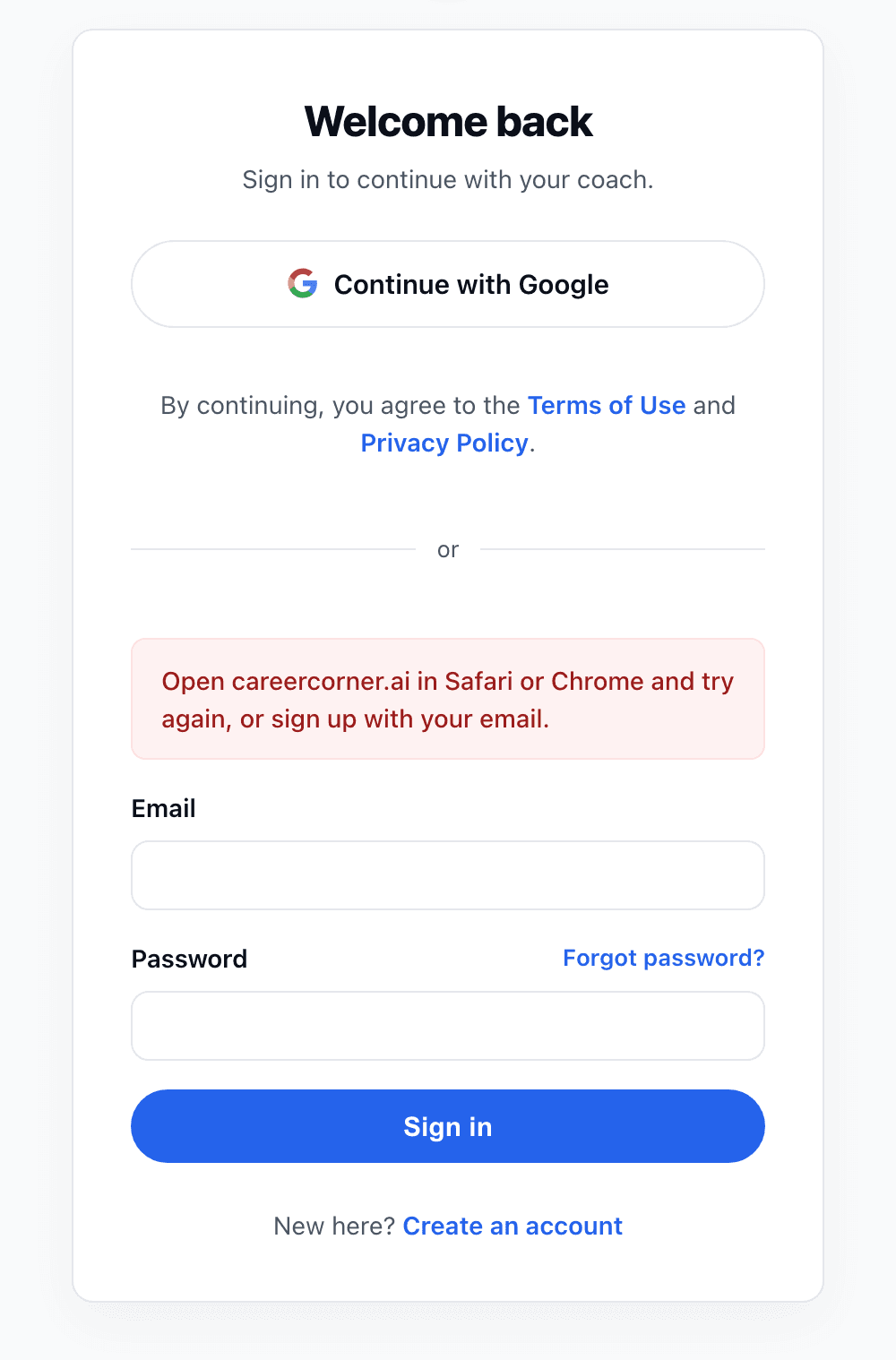
Signing in with Google from the built-in browser of another app can lose its place on the way back. When that happens, the sign-in page now says to open CareerCorner in your regular browser and try again, or to sign up with your email.
Every paid plan is 50% off for your first three months during the alpha. The discount applies at checkout on its own, and the pricing page shows exactly what you’ll pay.
If you work with a career coach who uses CareerCorner, they can now invite you to share your search with them. Once you agree, they can see your roles, strategy and experience but cannot change anything, and you can end their access in settings at any time.
Your pipeline now draws on the career sites of many more employers, including some of the largest companies hiring, along with federal government openings and remote-only roles. More of the roles that fit your search reach you without you going looking for them.
Setup and your strategy now offer Entry level as a target. Choose it and junior, associate and entry-level titles stay in your pipeline instead of being filtered out.
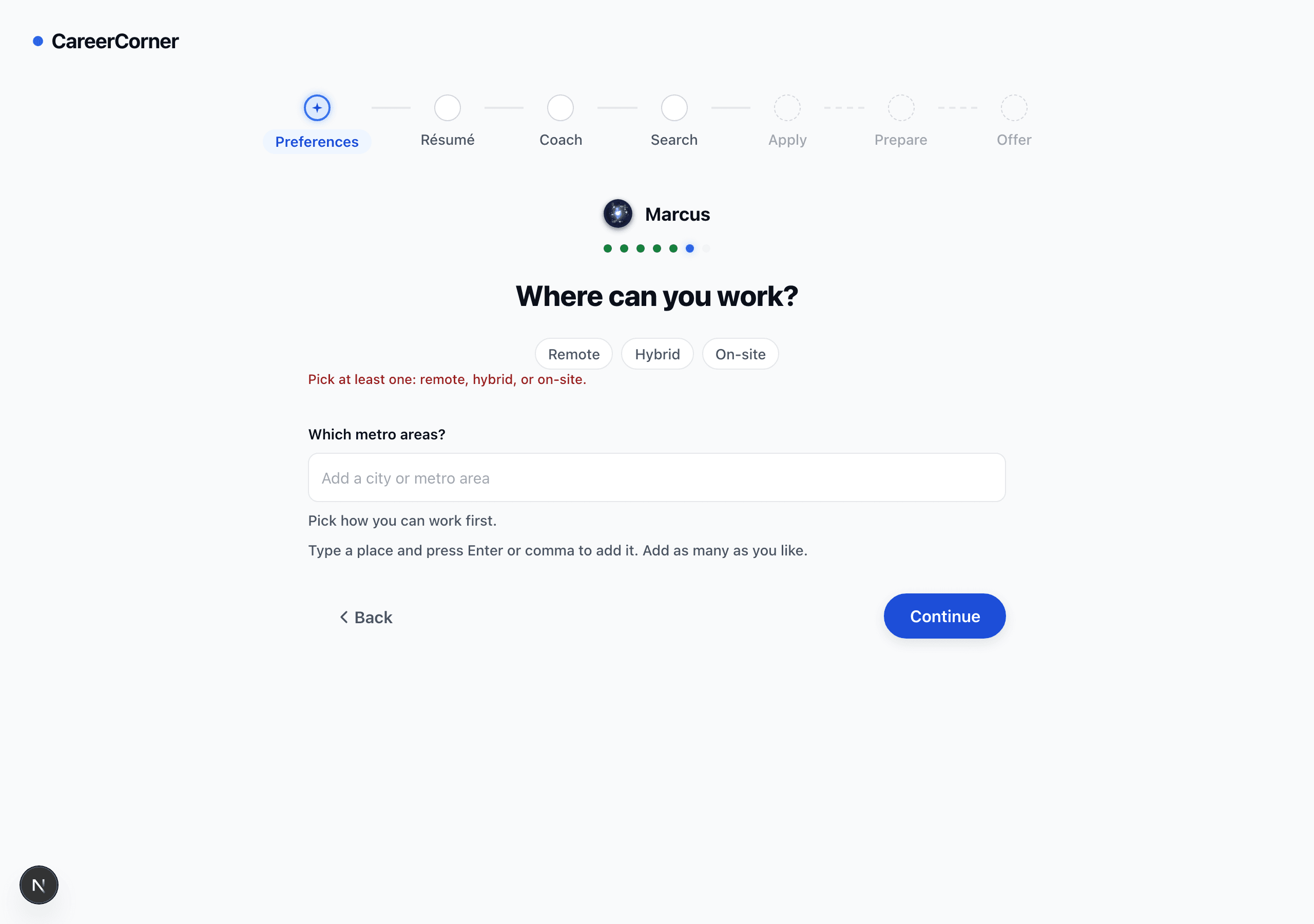
On the setup question about where you can work, pressing Continue with nothing chosen used to do nothing at all. It now names what is still missing, and it only asks for metro areas once you have said how you can work.
Résumés now read truer to your record: the bullets trace to work you actually did, and roles from years back keep their substance instead of being cut to a line. A draft arrives in about a minute, in your application packages.
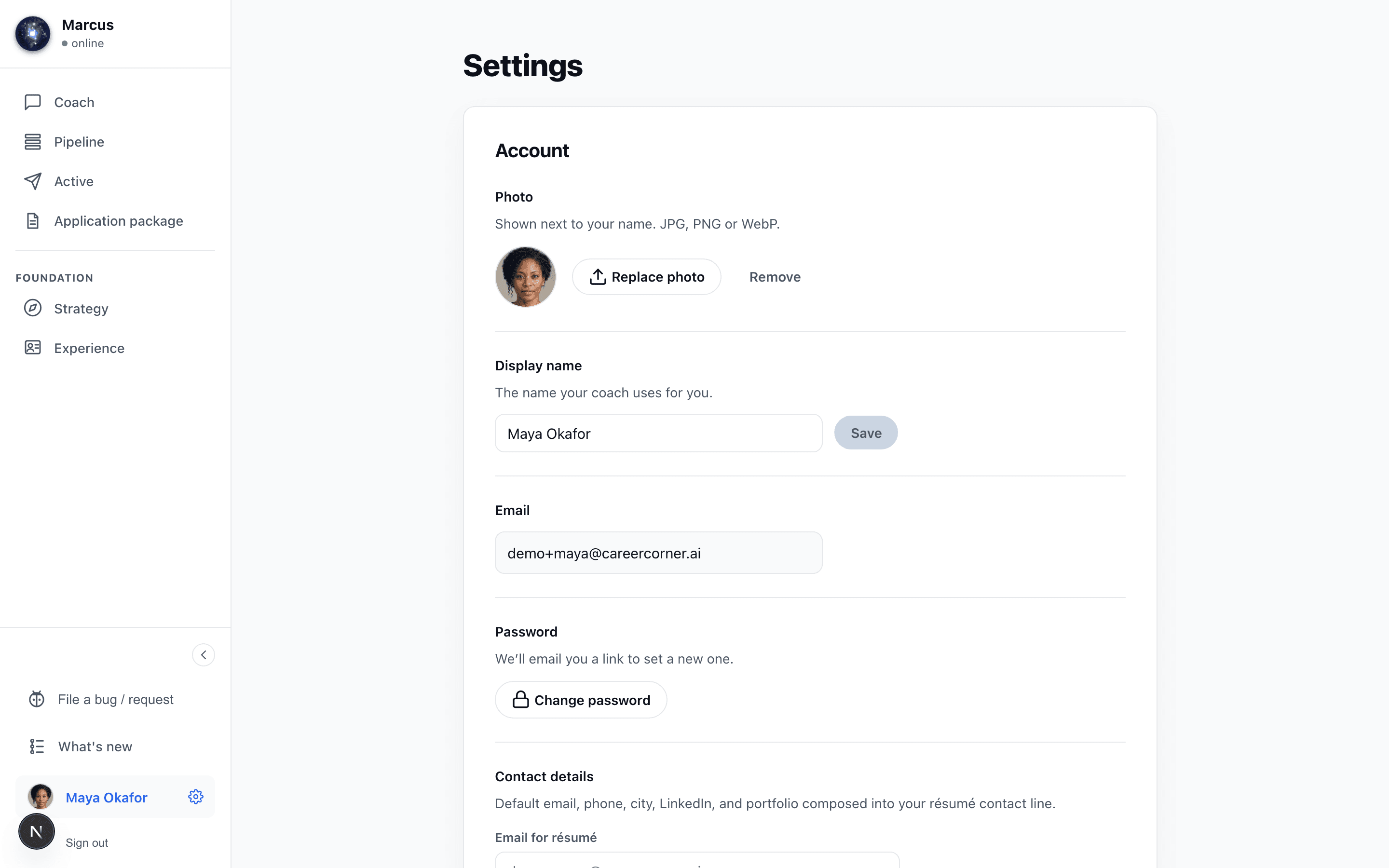
You can now add a photo in settings, and it appears beside your name wherever you are in the app. It stays private to your account, and you can replace or remove it whenever you like.
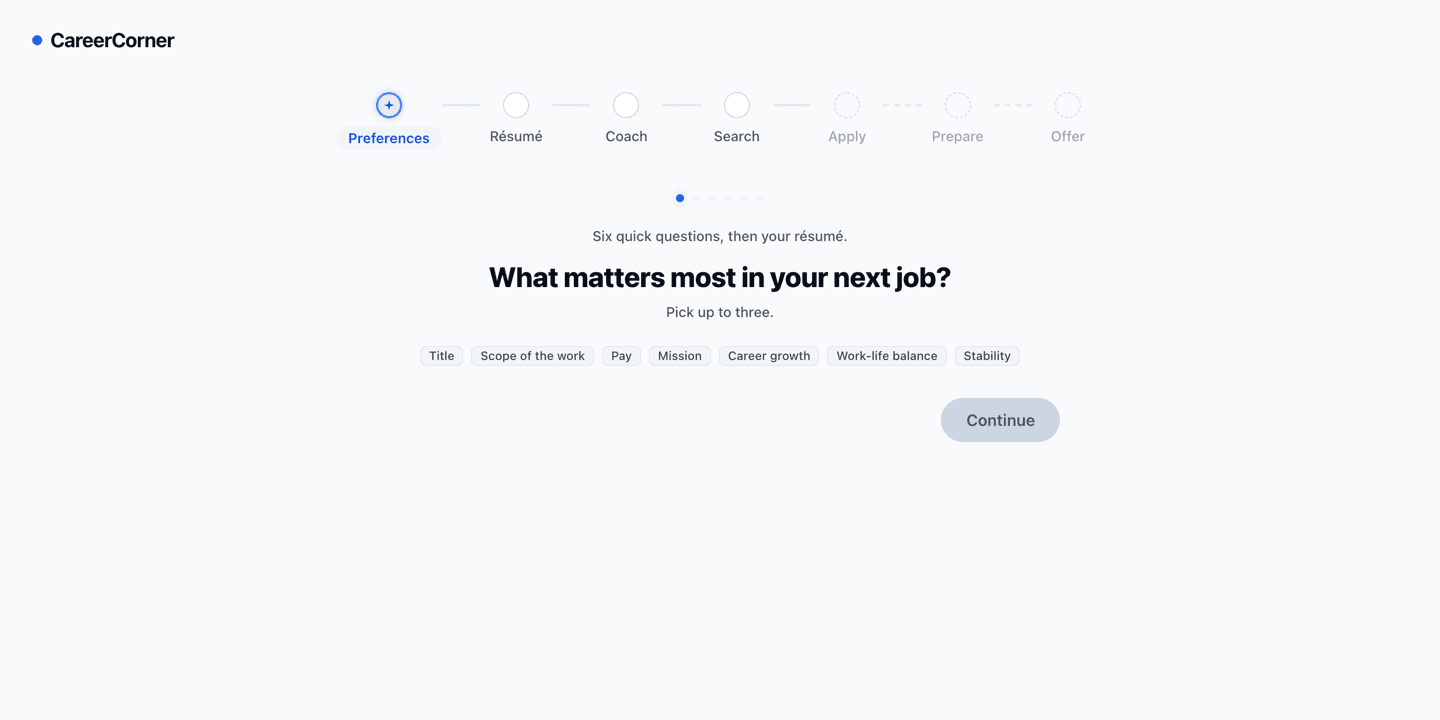
Setup now opens with what happens next, what to have ready, and how long it takes. You can say what else matters to you in your own words, name a pay figure above $400k, add several places one at a time, and tell your coach what you want to happen in the next year.
When you sign up, you now answer six short questions about your next job: what matters most, the level and pay you’re aiming for and the lowest you’d take, and where you can work. Add your résumé then or later. You land with your coach already knowing what you’re after, and the first word is yours.
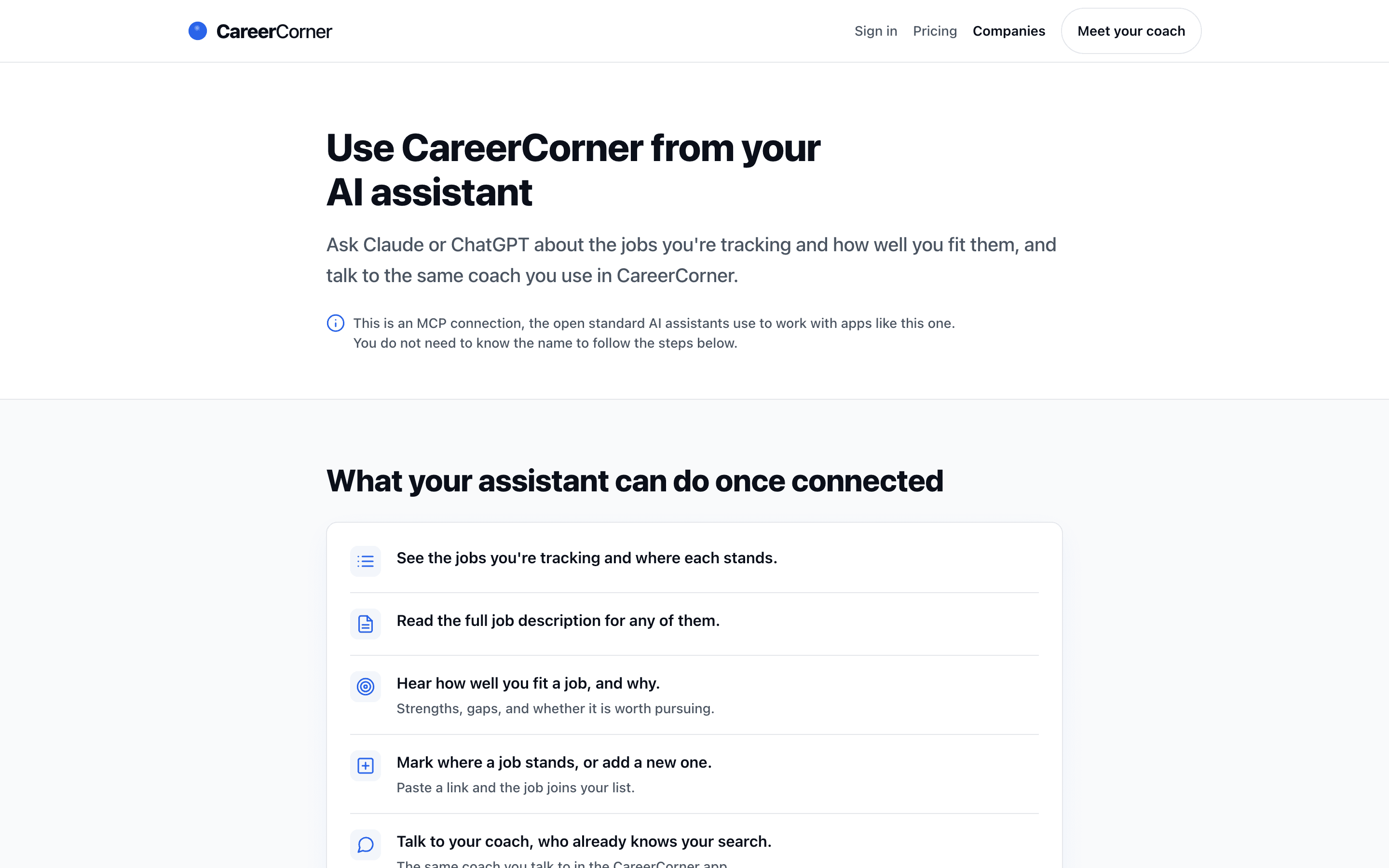
Connect the AI assistant you already use and ask it about the jobs you're tracking, how well you fit each one, and what to focus on this week, or talk to your coach without leaving the conversation. Every change to your list waits for your approval, and you can revoke access in settings at any time. See how to connect.
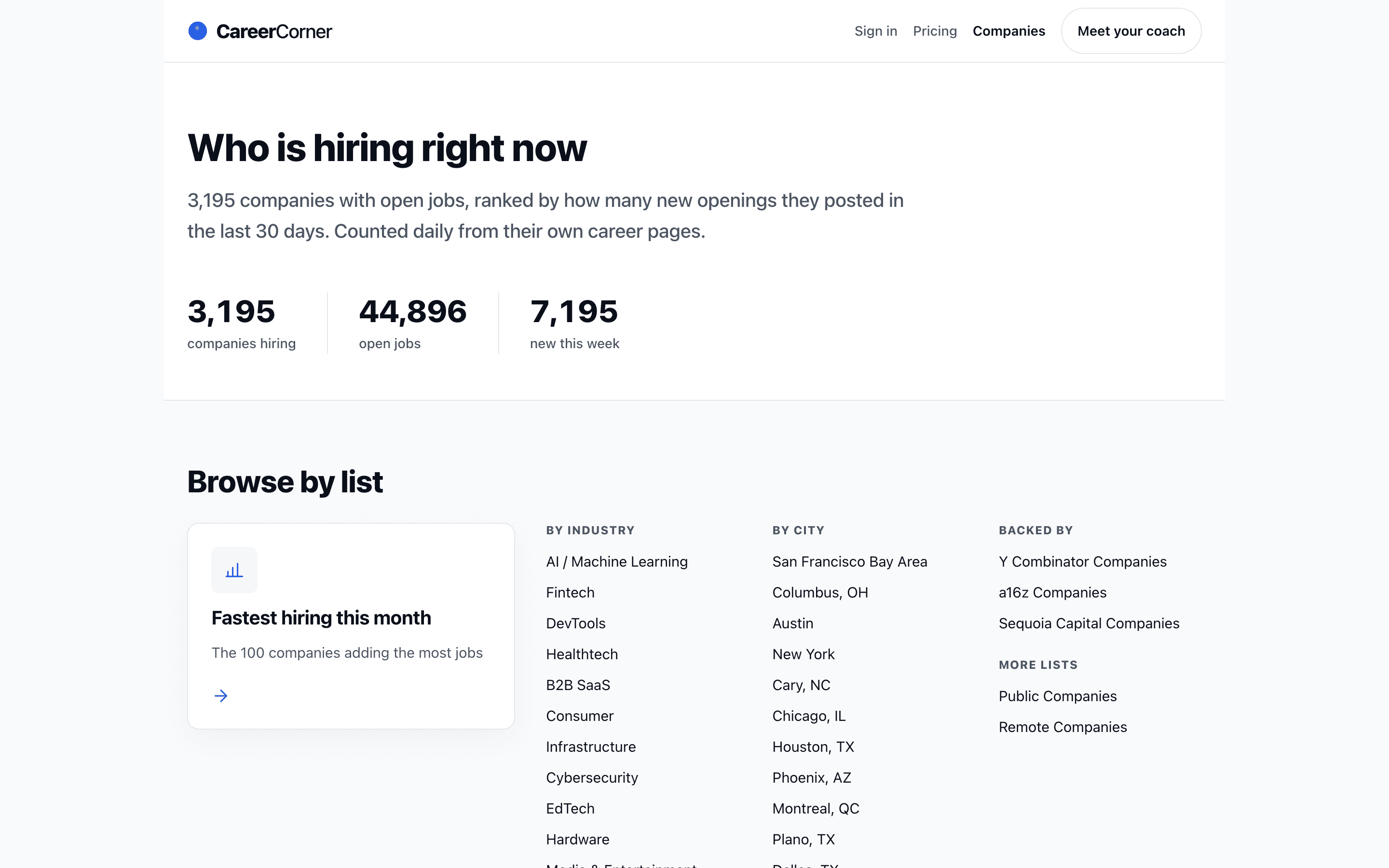
A public directory now shows which companies are adding jobs right now, ranked by how fast they are hiring, with lists by industry, city, and investor. Browse companies to see who is growing before you decide where to aim.
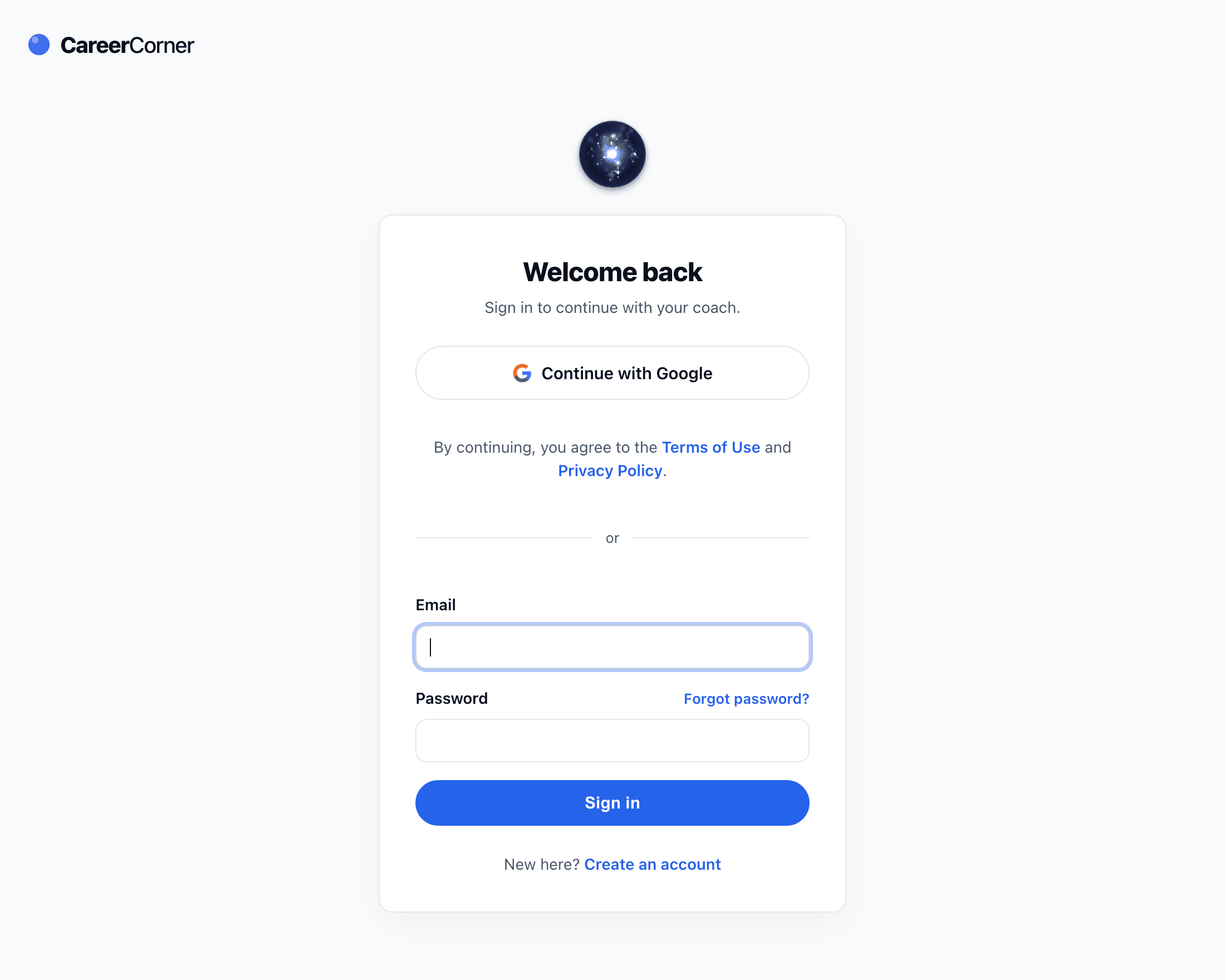
You can now create your account or sign in with Google in one click, with no password to choose or remember. Accounts that already use an email and a password keep working exactly as before.
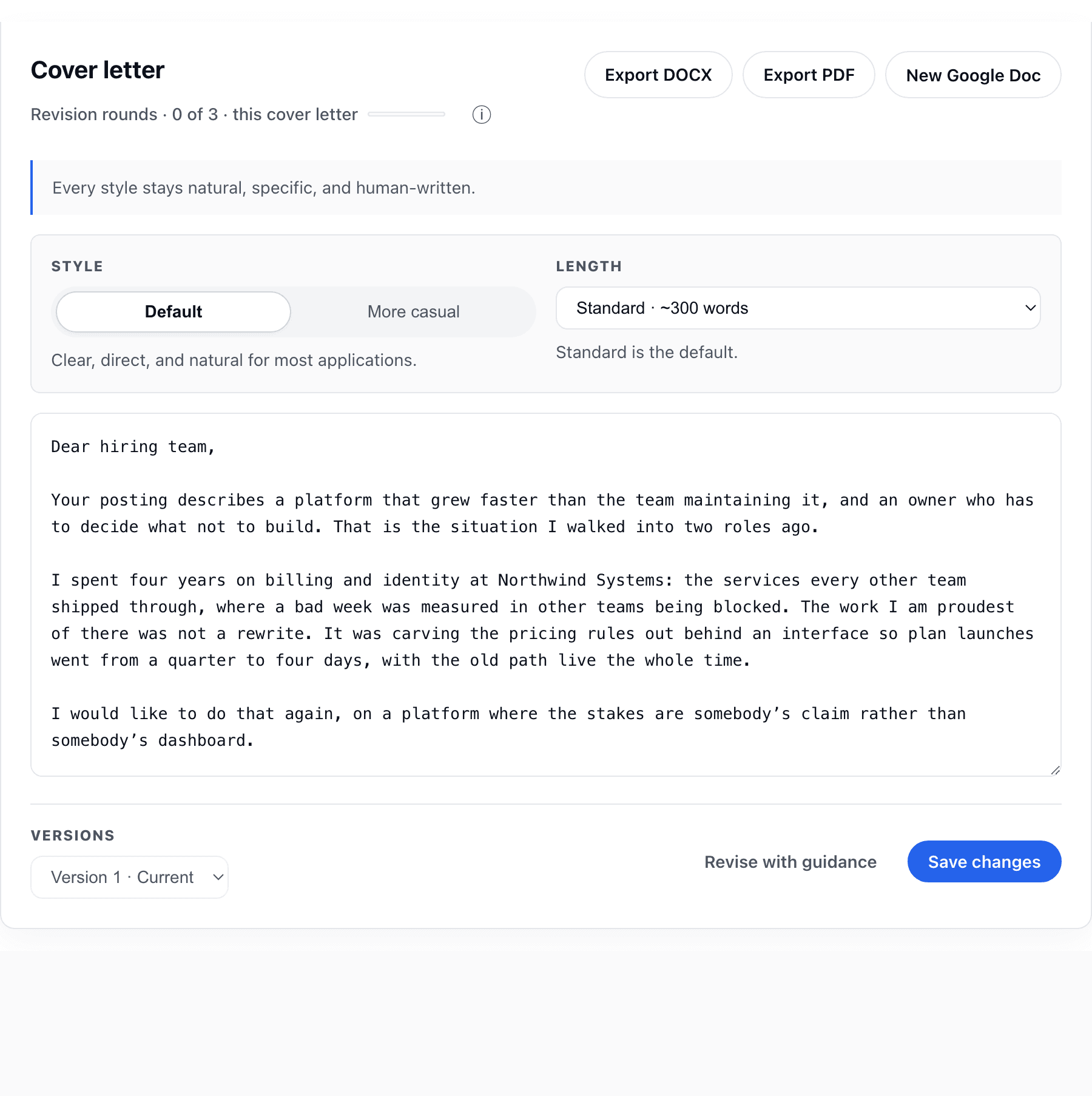
Connect your Google account in settings and every résumé and cover letter gains a New Google Doc export. The document opens in a new tab, formatted and ready to edit or share.
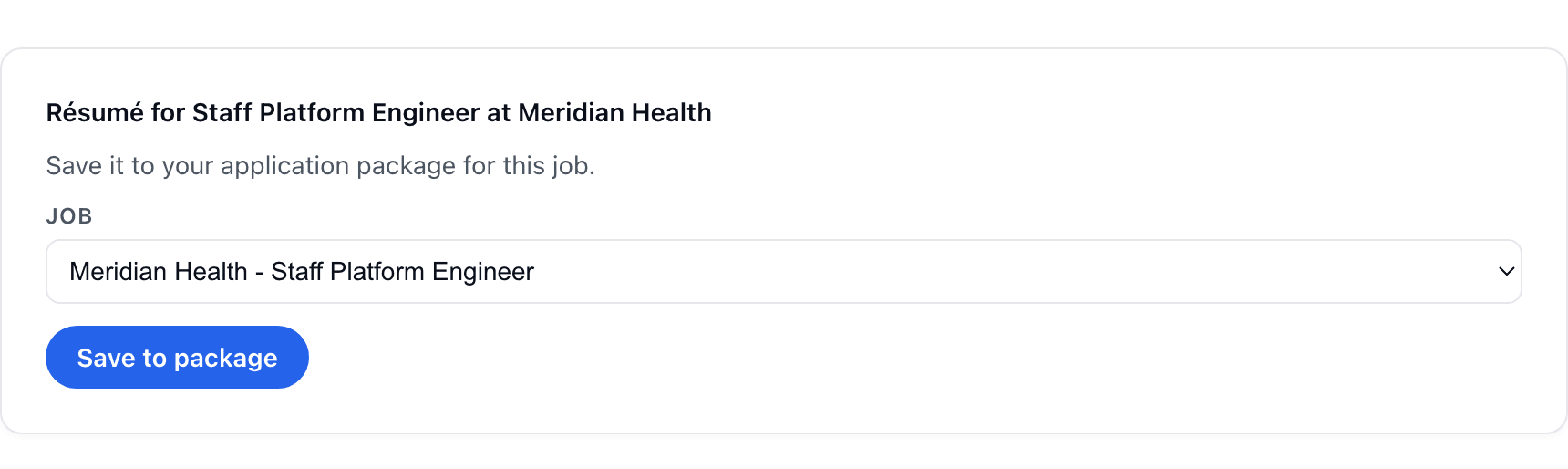
When your coach drafts a full résumé in conversation, a save card appears under it. Choose the role and the draft lands in that role’s application package, where you can revise it, keep versions, and export it like any other.
Attach a résumé or CV in a coach session and it is read and merged into your Experience record in the same moment, with a note saying exactly what landed. It no longer sits in the conversation while your record stays empty.
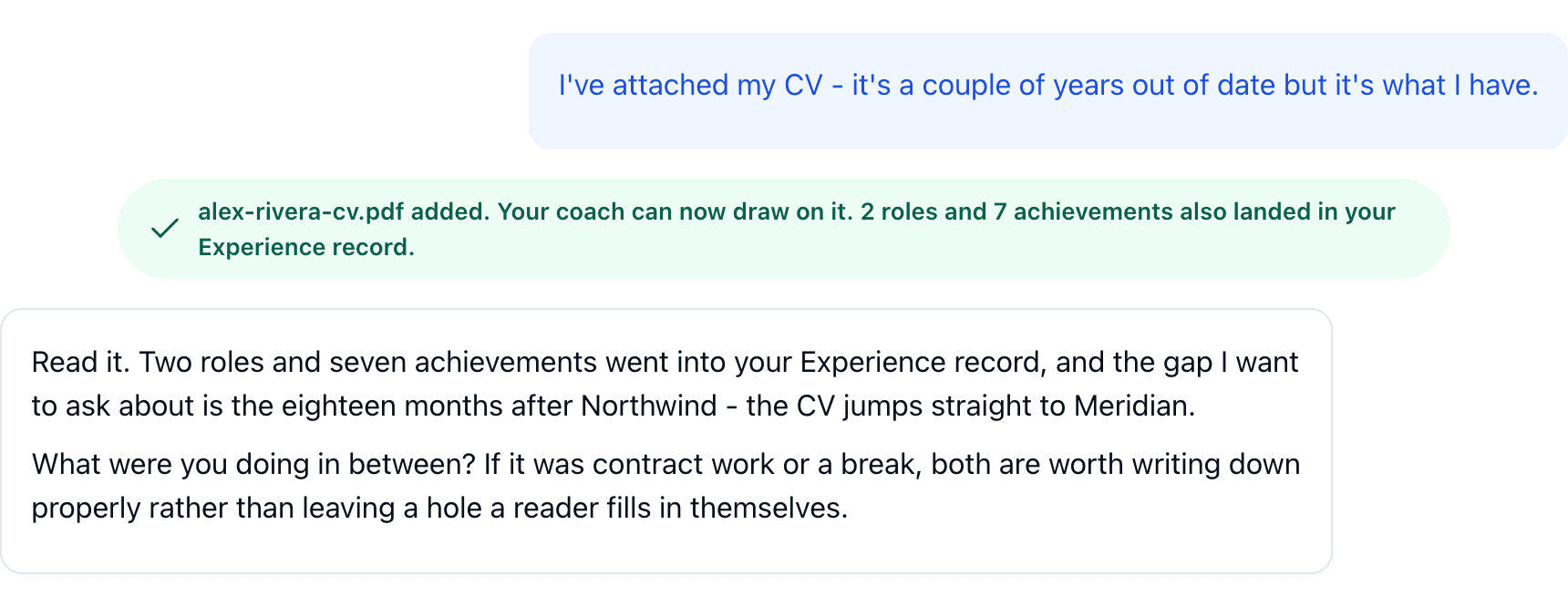
Uploading a résumé or CV could fail outright on some phones, and text from certain PDFs arrived with words broken apart. Uploads are now read the same way everywhere, and the words come through intact.
Refining a tailored résumé is now a single action: say what you want changed and the draft comes back already updated, with the previous version kept in history. The separate apply and regenerate steps are gone.
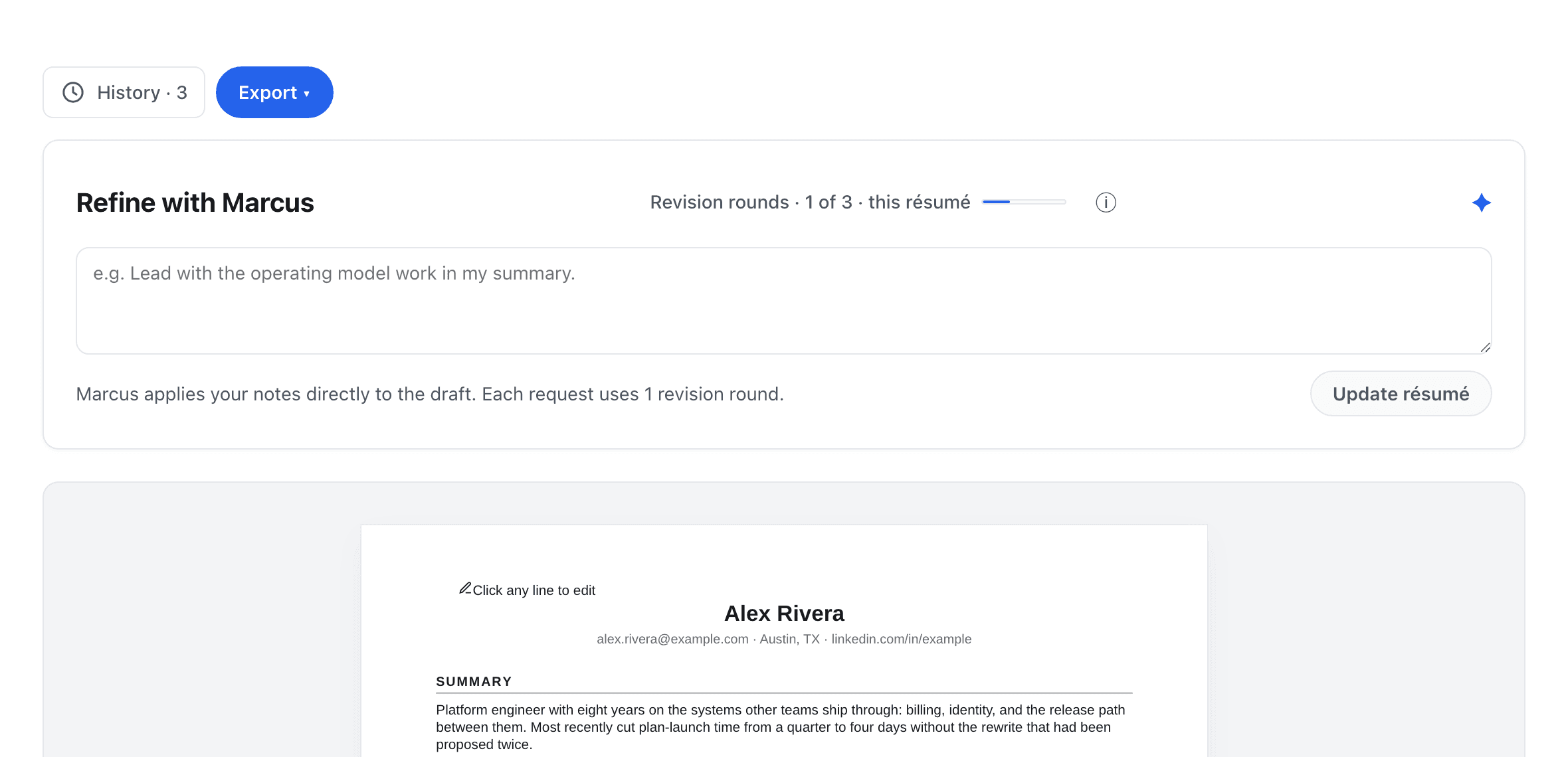
A résumé drawn from a long record could come back empty after a wait. Drafting now has the room it needs, the progress estimate matches what it actually takes, and anything that does fail says so in plain language instead of leaving a blank.
A link that landed on a careers index rather than the posting itself could be saved as that role’s job description. Those captures are now rejected: a role either shows its real posting or tells you the description is not available.
A job description or a package summary that took too long could leave a spinner running with no way out. Slow steps now come back with a plain message and a Try again, and cancelling an import stops it cleanly.
A role you have reached a screen or an interview on now carries a Prepare tab: the questions to expect at that stage, and the stories from your record that answer them. Open the role in Active to build one.
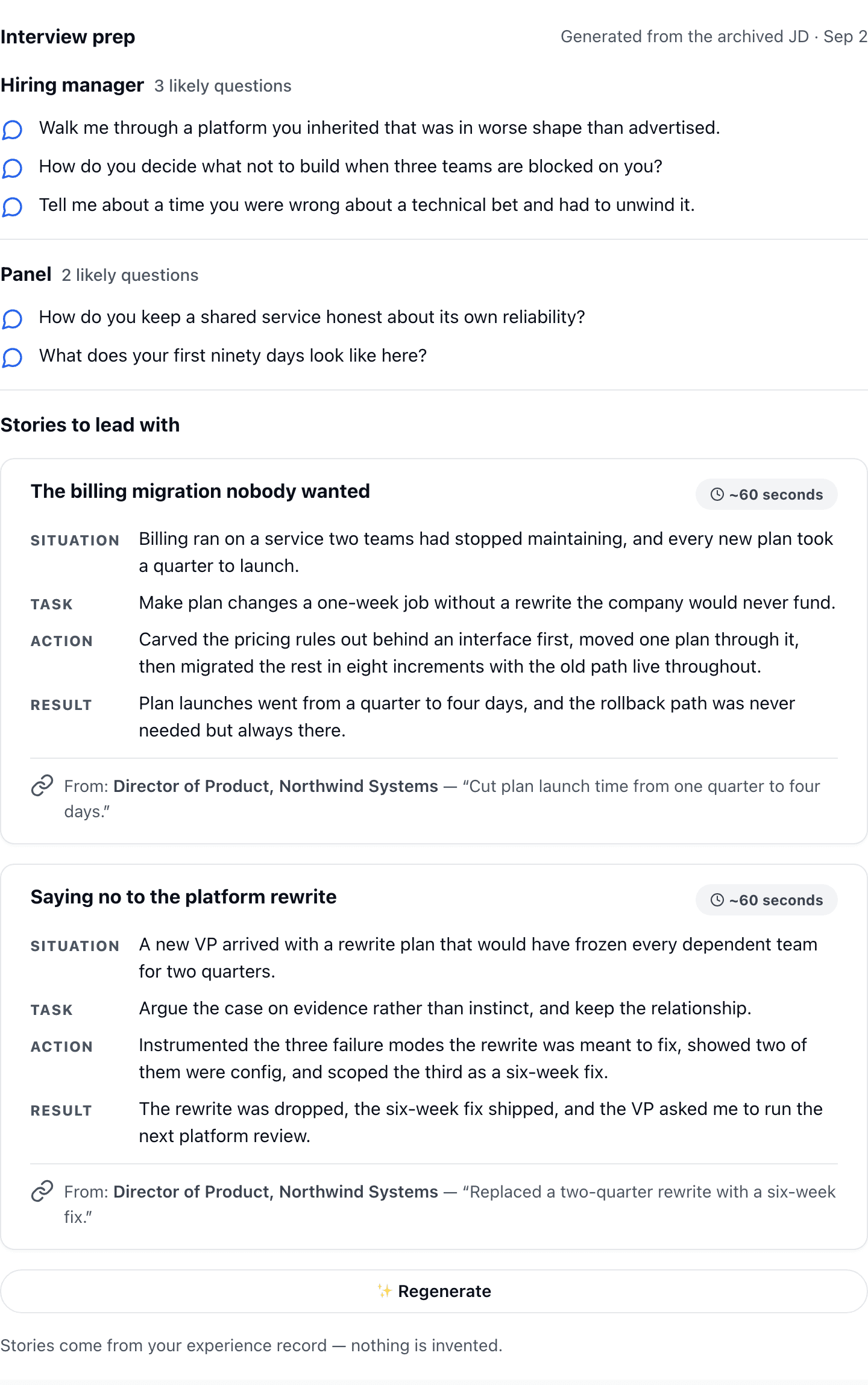
A fit read now names the specific gaps between you and the role, and each one has a place to add the evidence you do have, written straight into your Experience record without leaving the role. A verdict reached before your record changed is marked as out of date.
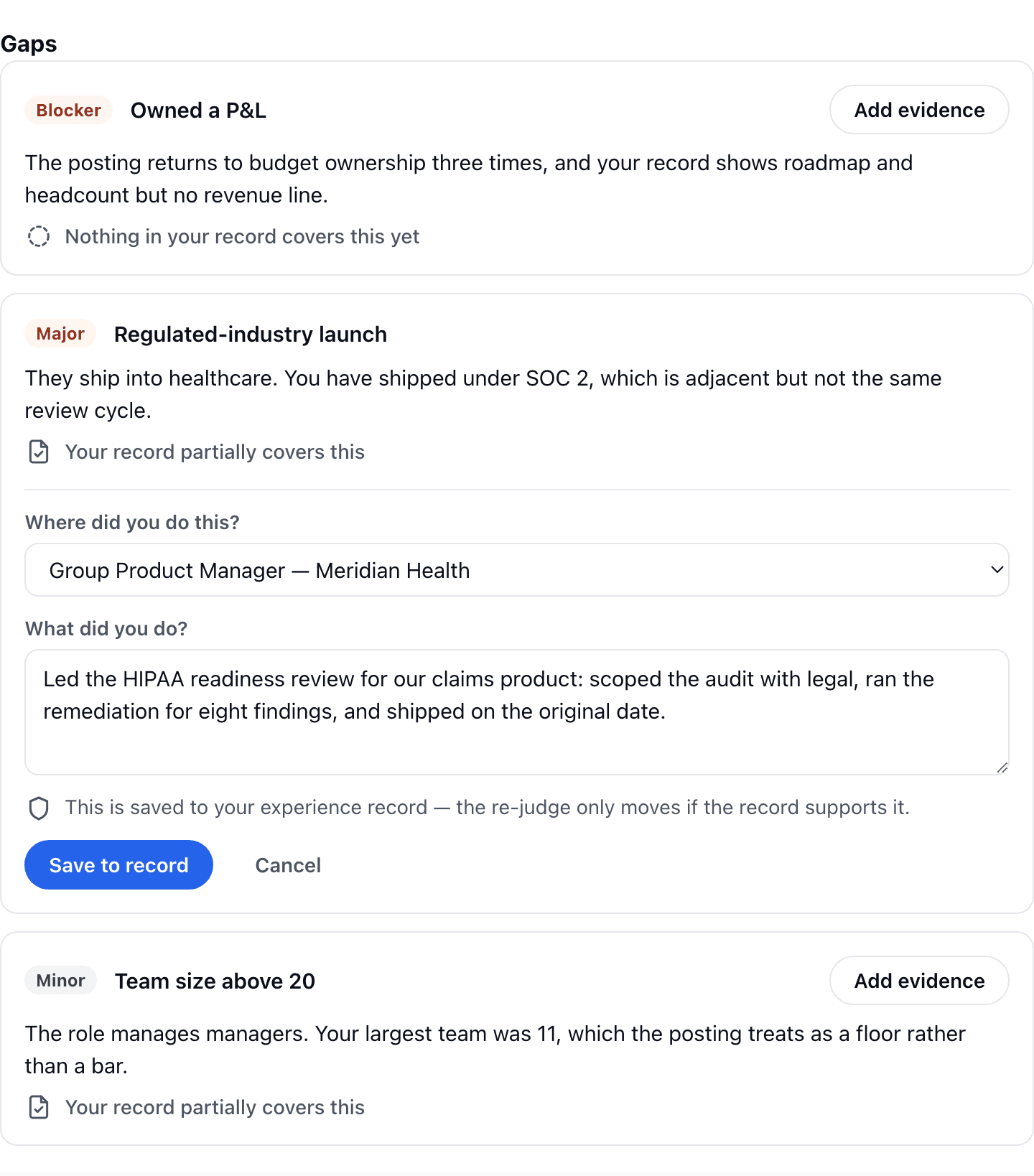
Every role in your pipeline now gets its own application package: a résumé, a cover letter, quick answers for the application form, and a referral note, drafted together for that specific role. Revise any of them with your coach, restore earlier versions, and export the documents when you’re ready to apply.
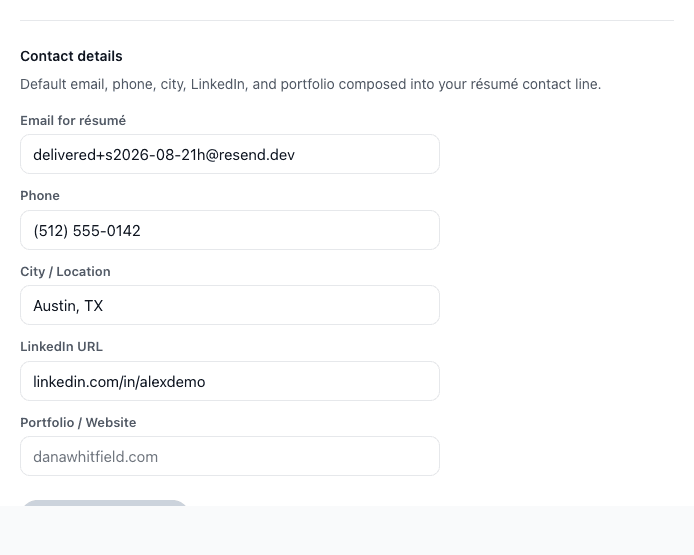
An import could leave a company or school page in the LinkedIn field of your contact details. Auto-fill now only accepts personal LinkedIn profiles; anything else is left blank for you to fill in yourself.
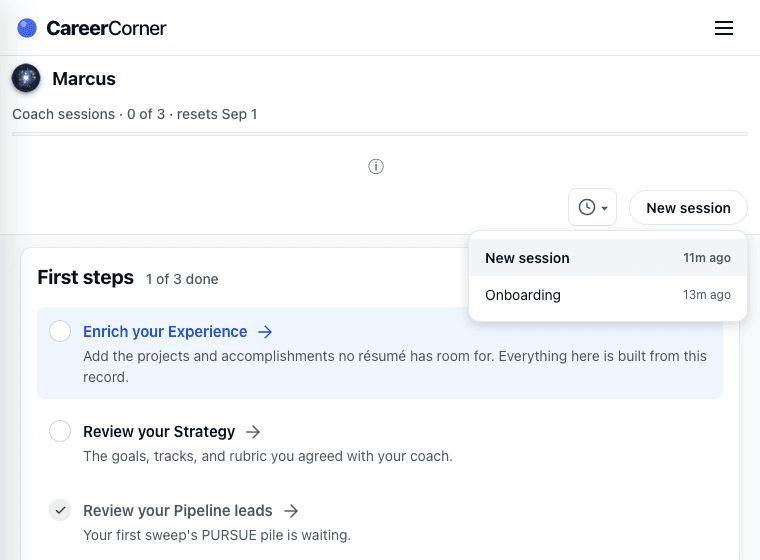
On narrower windows, the panel listing your coach sessions could drift away from the control that opens it. It now stays anchored at every width.
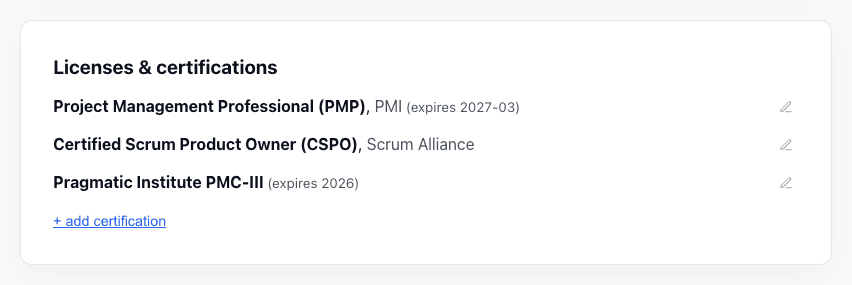
Certifications in your Experience record can now hold an expiry or recertification date, and imported résumés keep those dates instead of dropping them. The issuer is optional too: if your certificate doesn’t name one, nothing forces you to invent it.
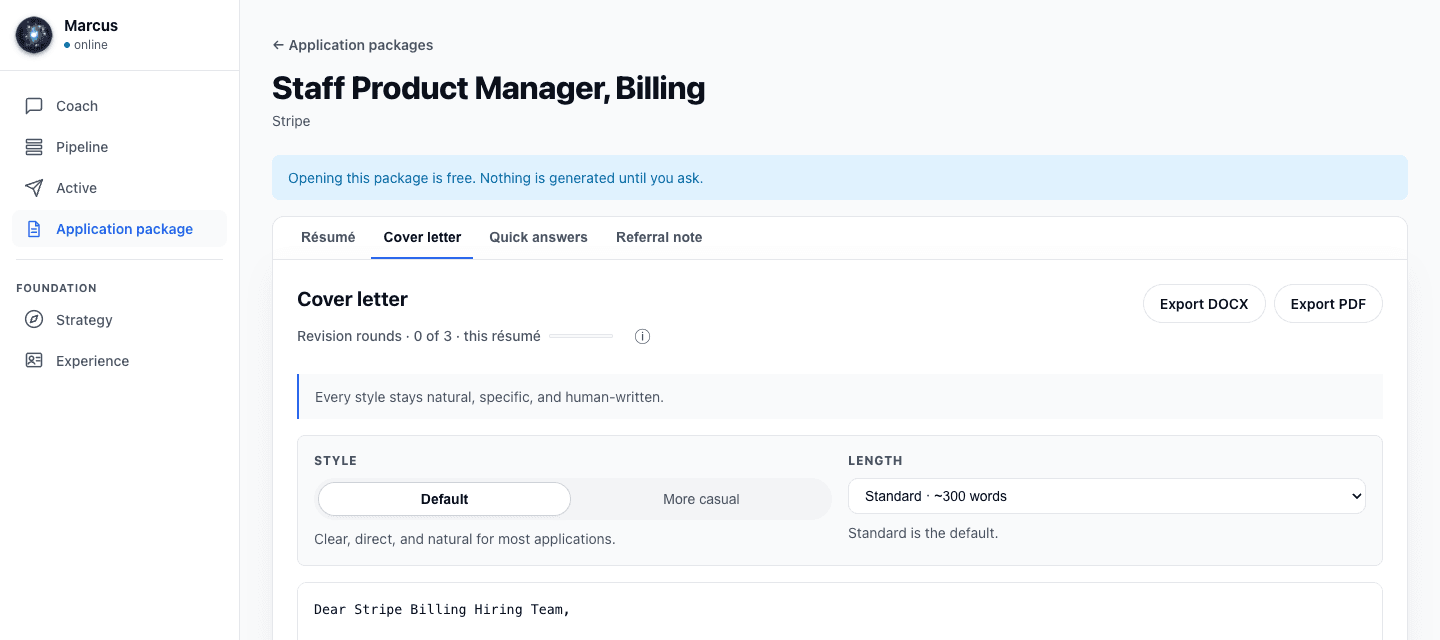
A guided revision now lands as one whole change: every edit you approved is applied together and additions appear where they belong. If the coach declines a request, the round isn’t charged.
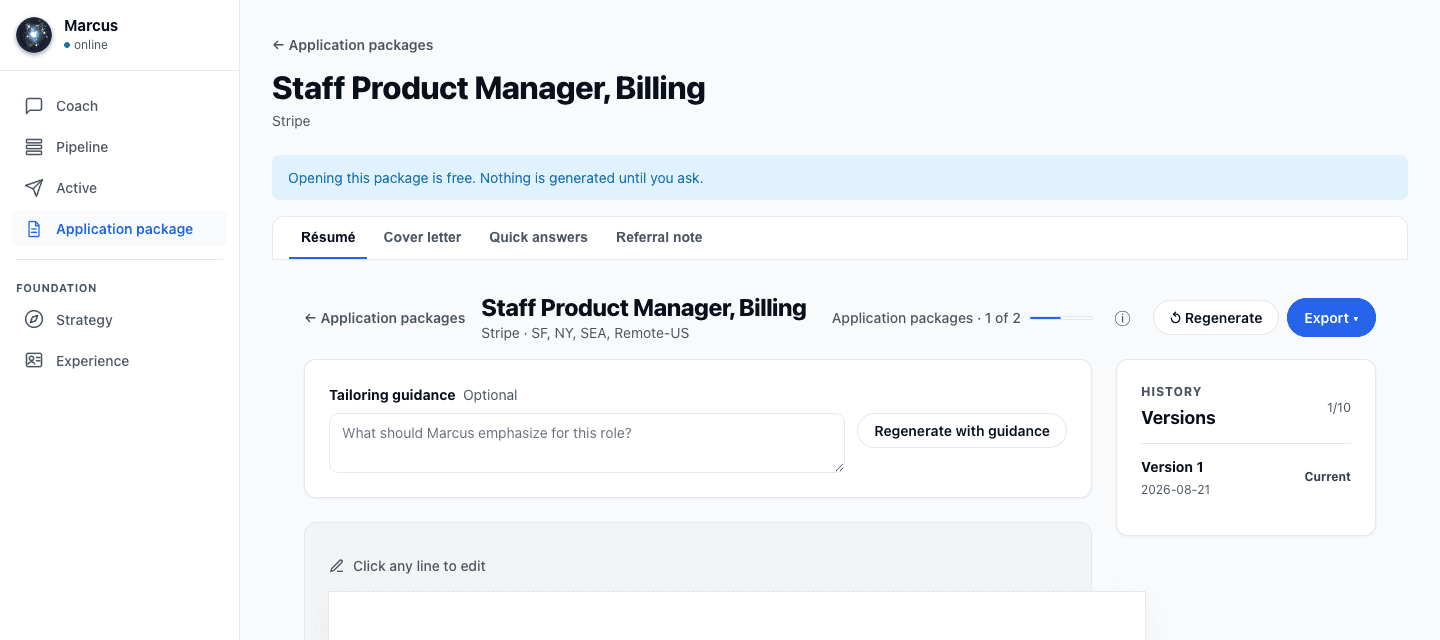
Your usage meter now updates live as you work with the coach, and a reply that takes unusually long is recovered on its own instead of sitting lost until a refresh.
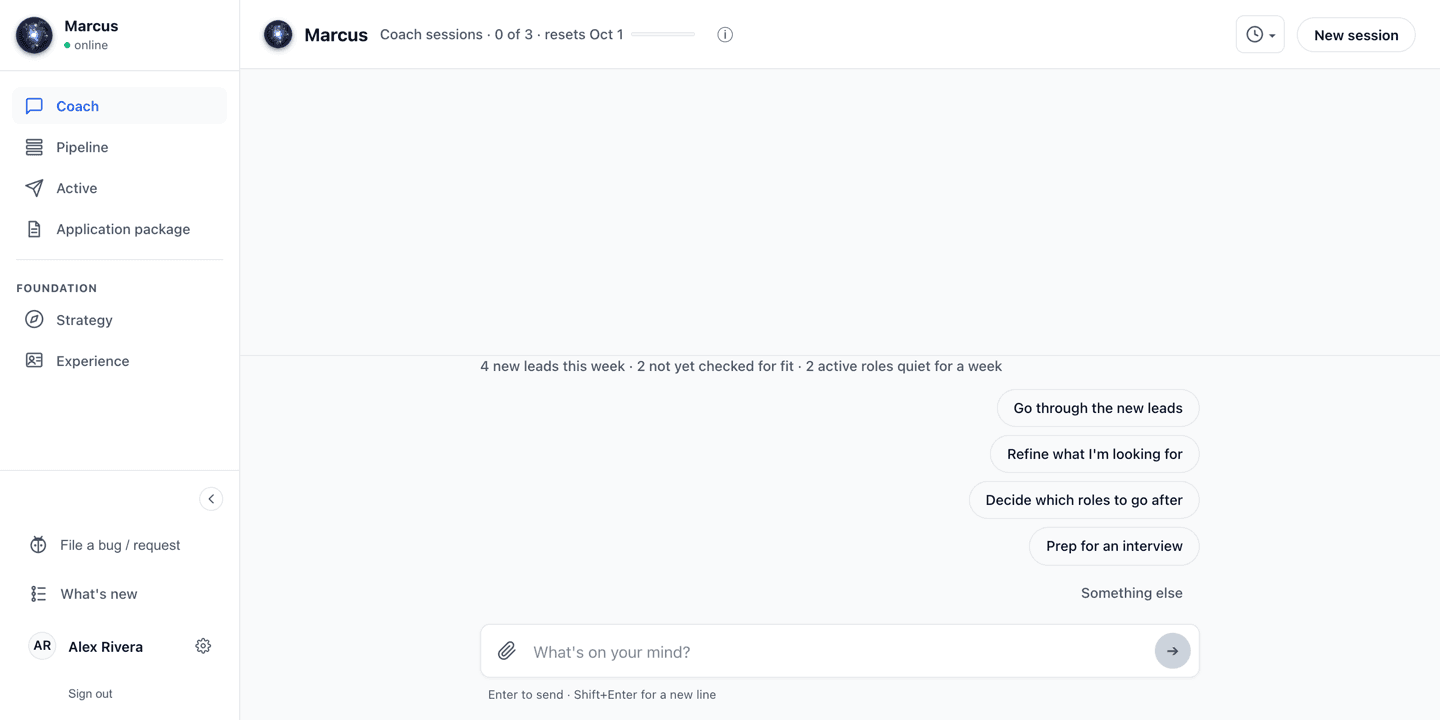
Every free account now includes three coach sessions a month, and the usage meter counts them down so you always know where you stand.
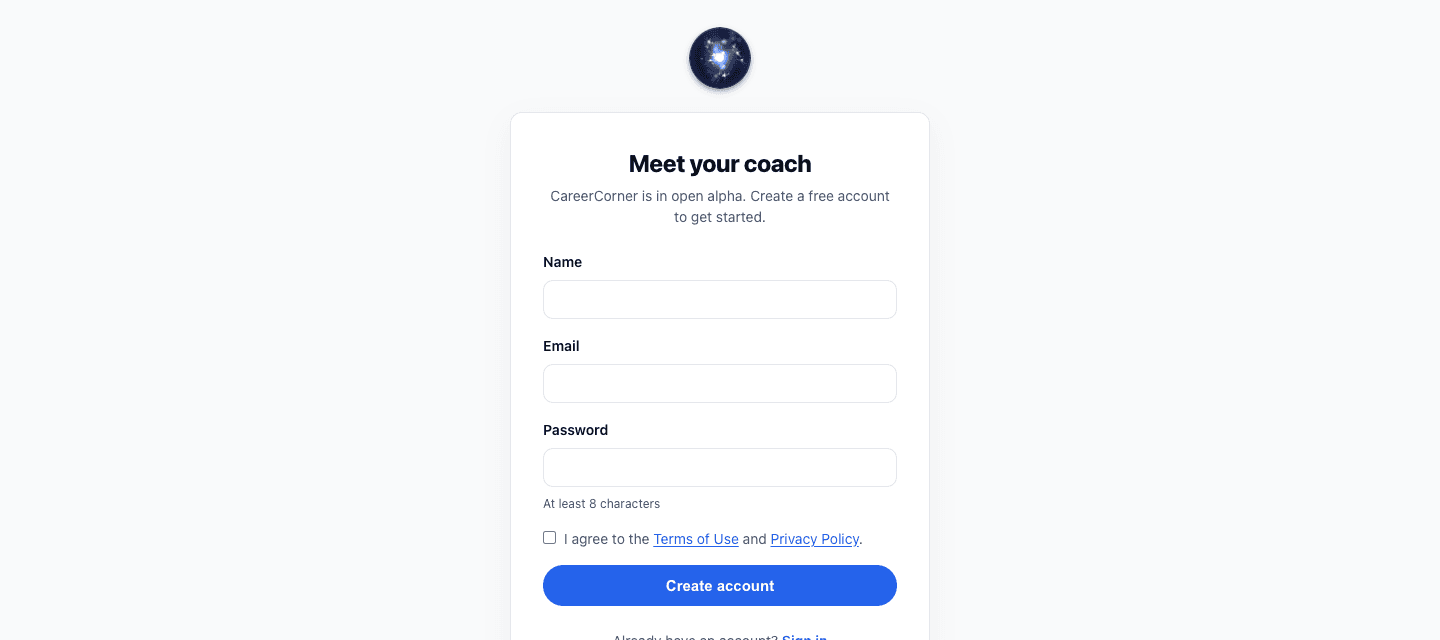
You can now create your account directly: sign up with your email and start working with your coach the same minute. If you were waiting for a spot, it’s yours.
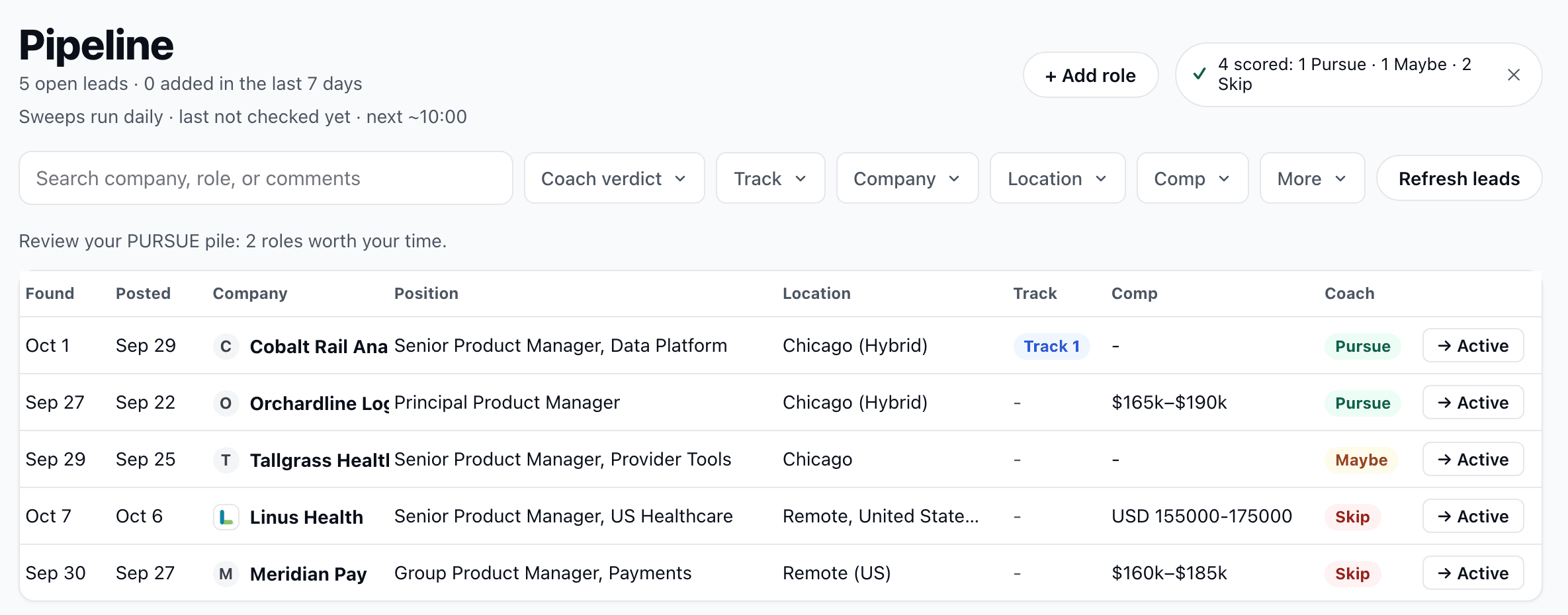
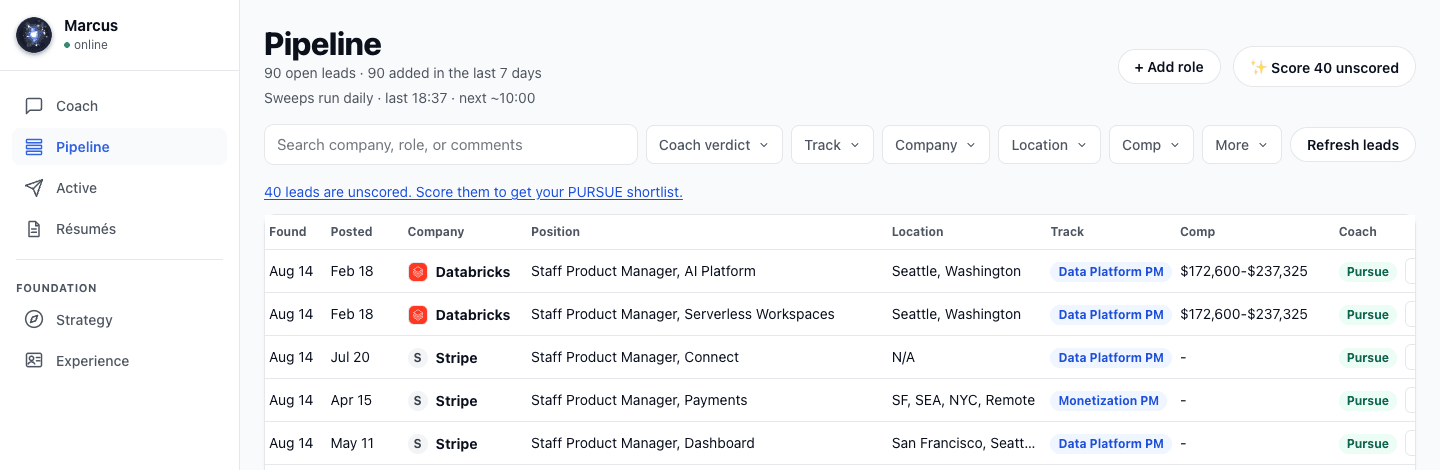
A filter bar now sits above your pipeline: narrow by coach verdict, track, company, location, or compensation, in any combination. Filters live in the page address, so a filtered view survives a refresh and can be shared.
Confirming a proposal while answering the coach’s previous question could leave the conversation stuck until a refresh. The coach now takes one action at a time, and your reply always lands on screen.
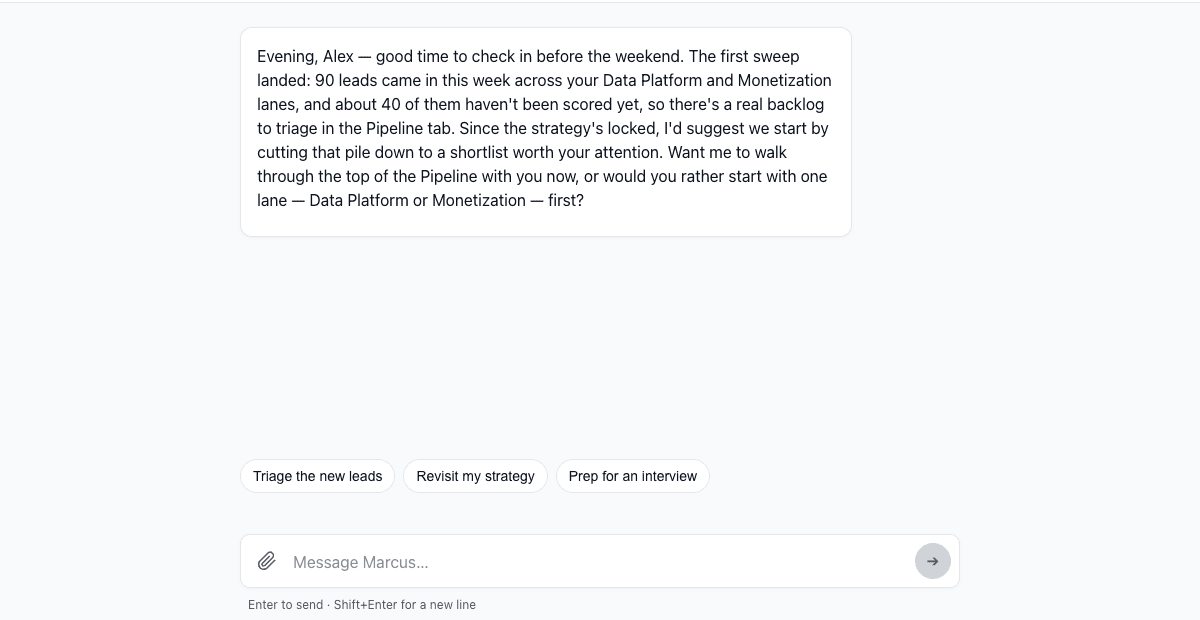
Some suggested roles were old enough that they were unlikely to still be hiring. Your pipeline now only draws on postings from the last thirty days, and older ones are retired on a schedule.
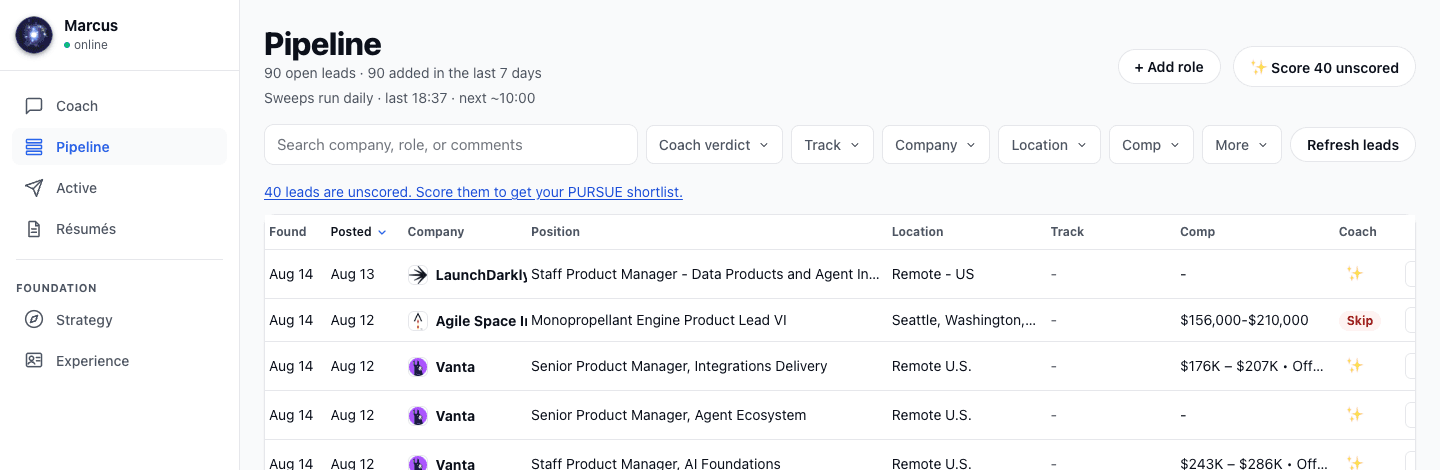
Long titles and pay ranges in your pipeline were getting cut short. Both columns now show substantially more before trimming.
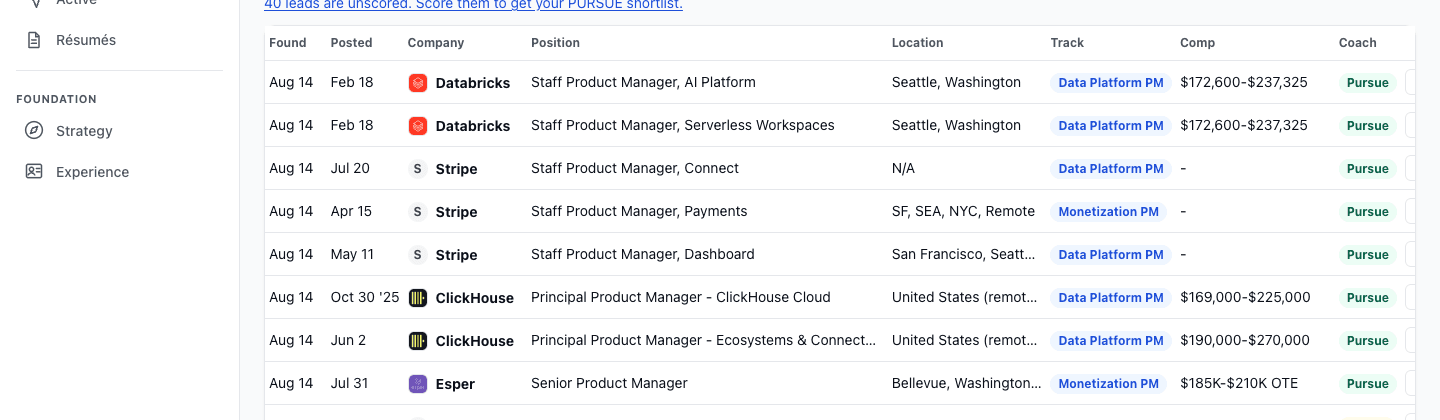
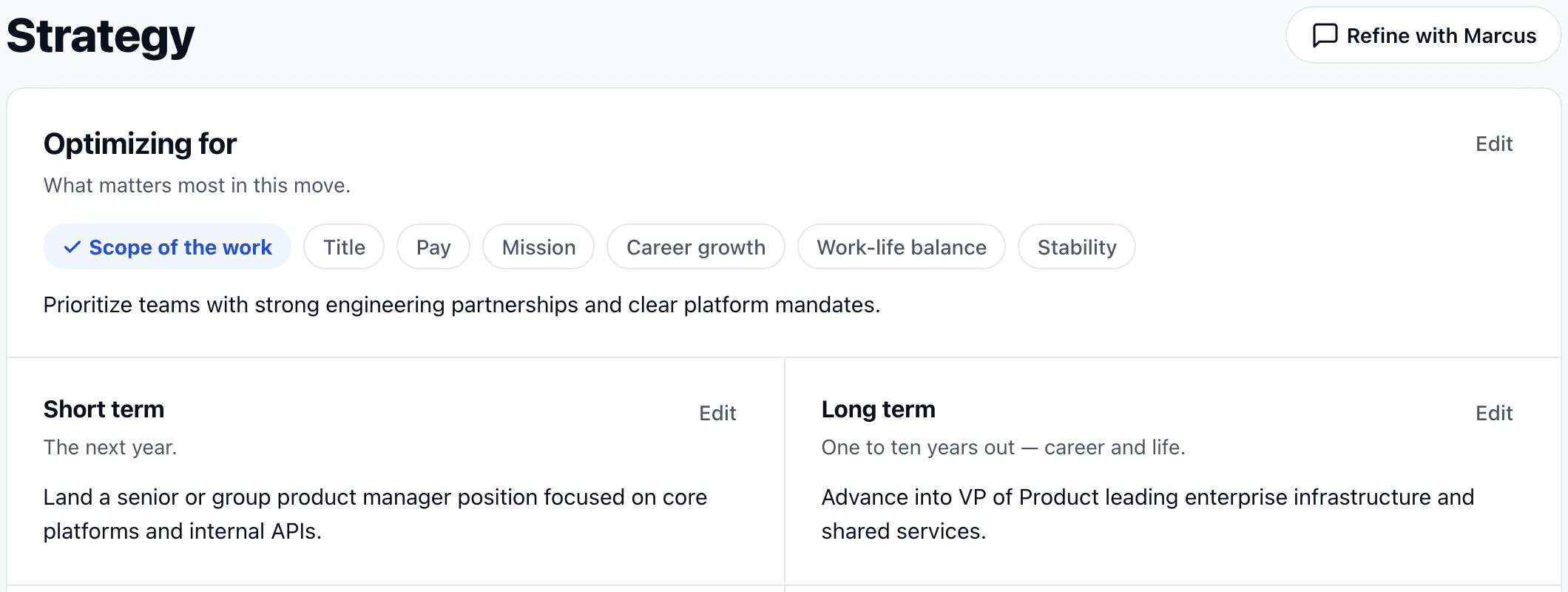
Alongside seniority, your strategy now holds the pay you’re aiming for, and your coach asks about it up front. Roles are weighed against it like everything else you’ve set.

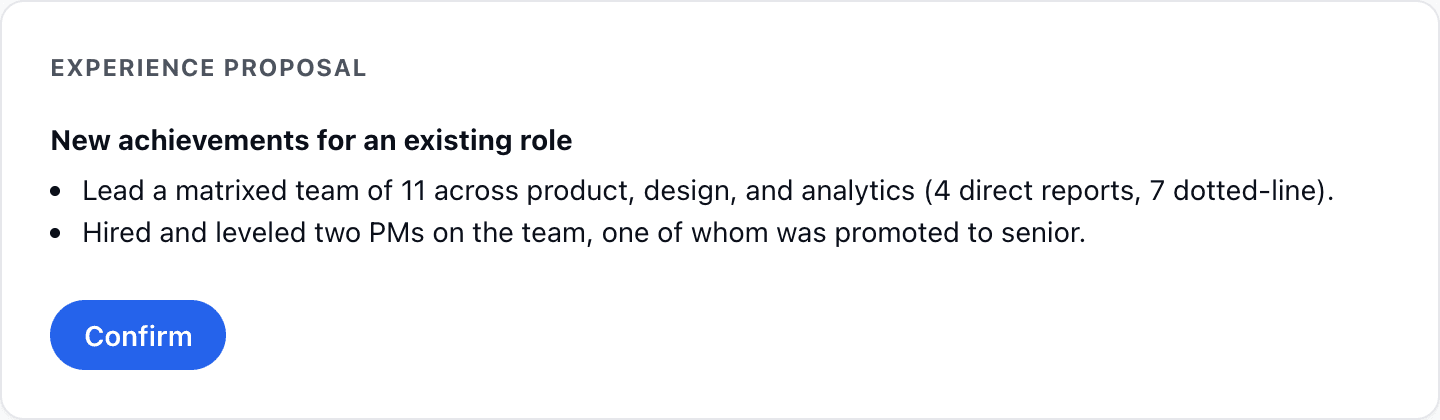
Talk an entry through with your coach: a role you left off, achievements you just described, a correction. It proposes the change as a card, and confirming it is what puts the work in your Experience record. Nothing is written until you do.
Change what you're looking for and the roles already judged against the old direction get read again. Anything not yet caught up is marked in your pipeline, so an old verdict never sits there looking current.
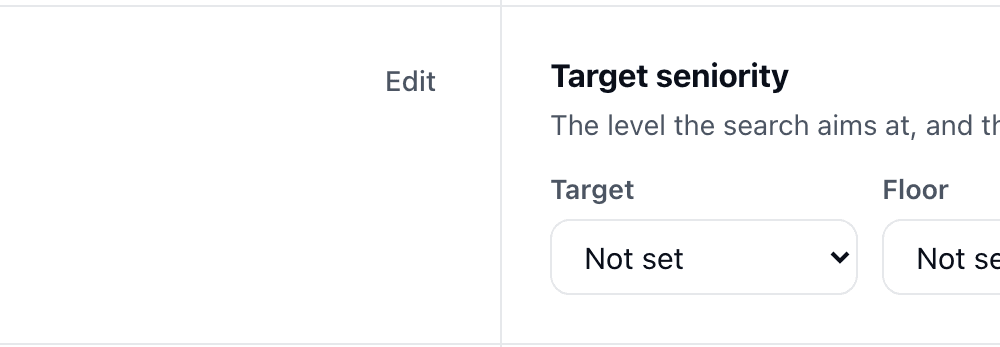
Your strategy now carries the seniority you're aiming for and the level you won't go below, and new roles are held to it.
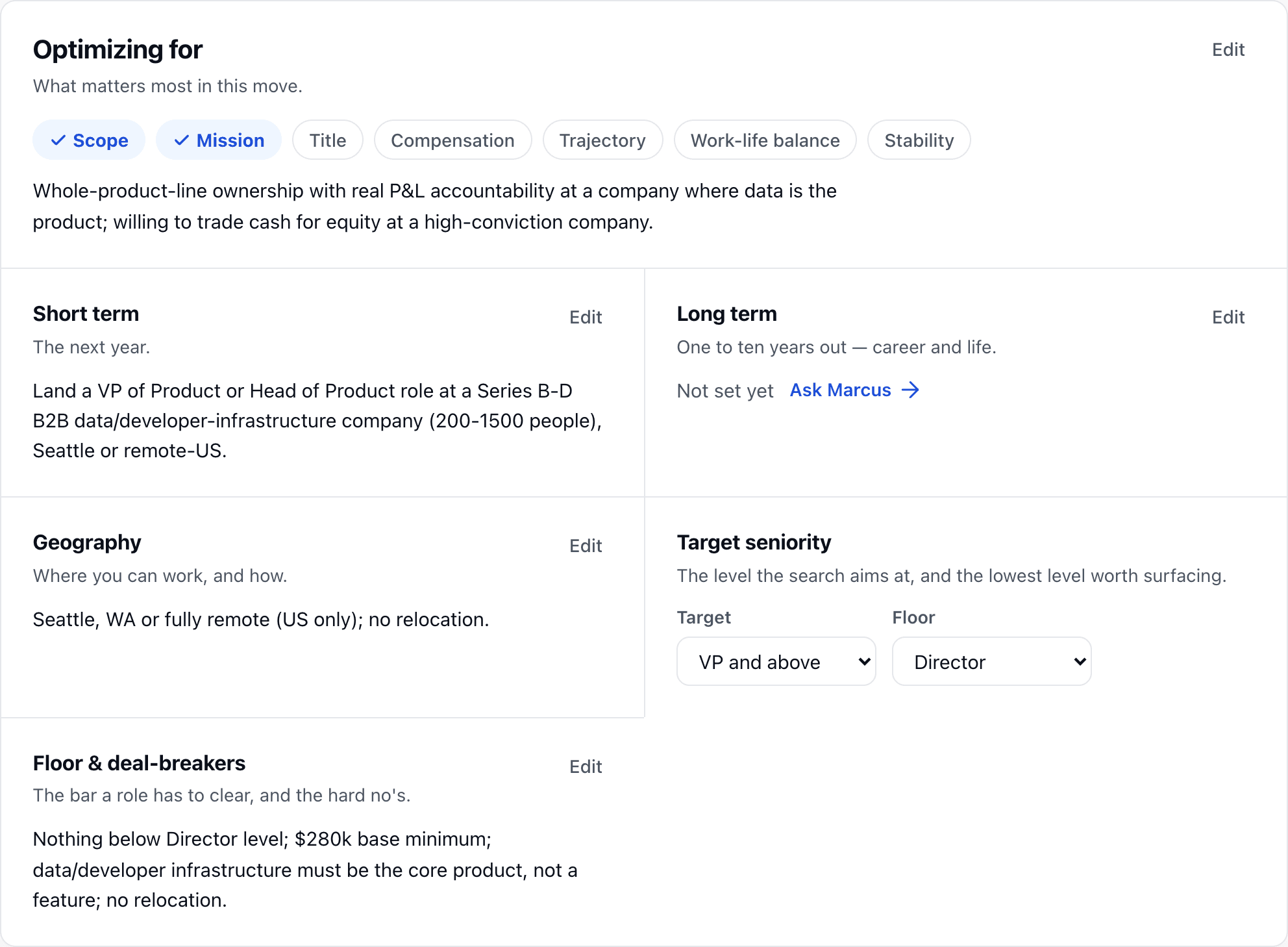
Roles outside the geography in your strategy no longer slip into your leads. And when you've set a level floor with your coach, below-level postings stay out.
When a role lists pay, your pipeline now picks it up and shows it on the row. No more opening every posting just to find the range.
You can see what each plan includes, upgrade, and manage or cancel it yourself from your plan.
You now see how much coaching and résumé capacity your plan has left before you hit the ceiling, so you never find out mid-conversation.
Every bug or request you file now has a status you can check, from received to shipped. This page is where the shipped ones land.
A scoring or drafting step that can't finish now says so in plain language and points you at what to do next, instead of stalling or leaving a blank where the answer should be.
Rows across your pipeline carry the company's logo, and opening a role shows its size and industry next to it. A name you don't recognize stops being a name you have to go look up.
A note when a strong match lands, a Monday summary of the week, and settings to turn either off. Every email unsubscribes in one click.
Your strategy now reads as plain sections you can edit one at a time: what you're going for, where you'll work, the bar a role has to clear, and the tracks you're running. The companies you track sit below in a table you can act on.
A confirmation or password-reset link opened on another device, or in a different mail client, now works. It no longer dead-ends on a message telling you the link was invalid or expired.
Roles found overnight are judged against your strategy and tagged to a track before you open your pipeline. You open to a sorted verdict, not a queue.
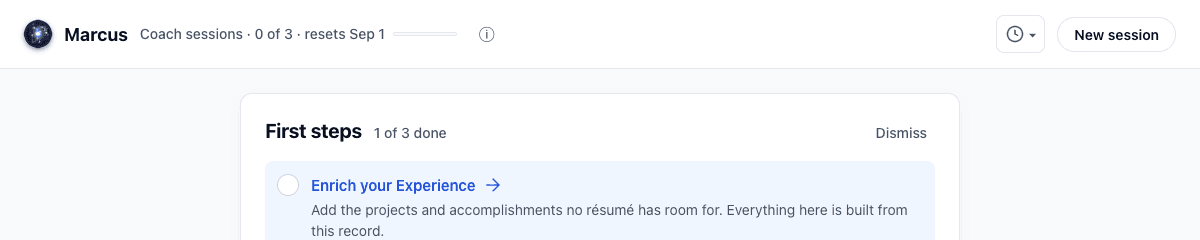
New accounts get a progress rail and a short list of first steps, so setting up your coach is not a blank page.
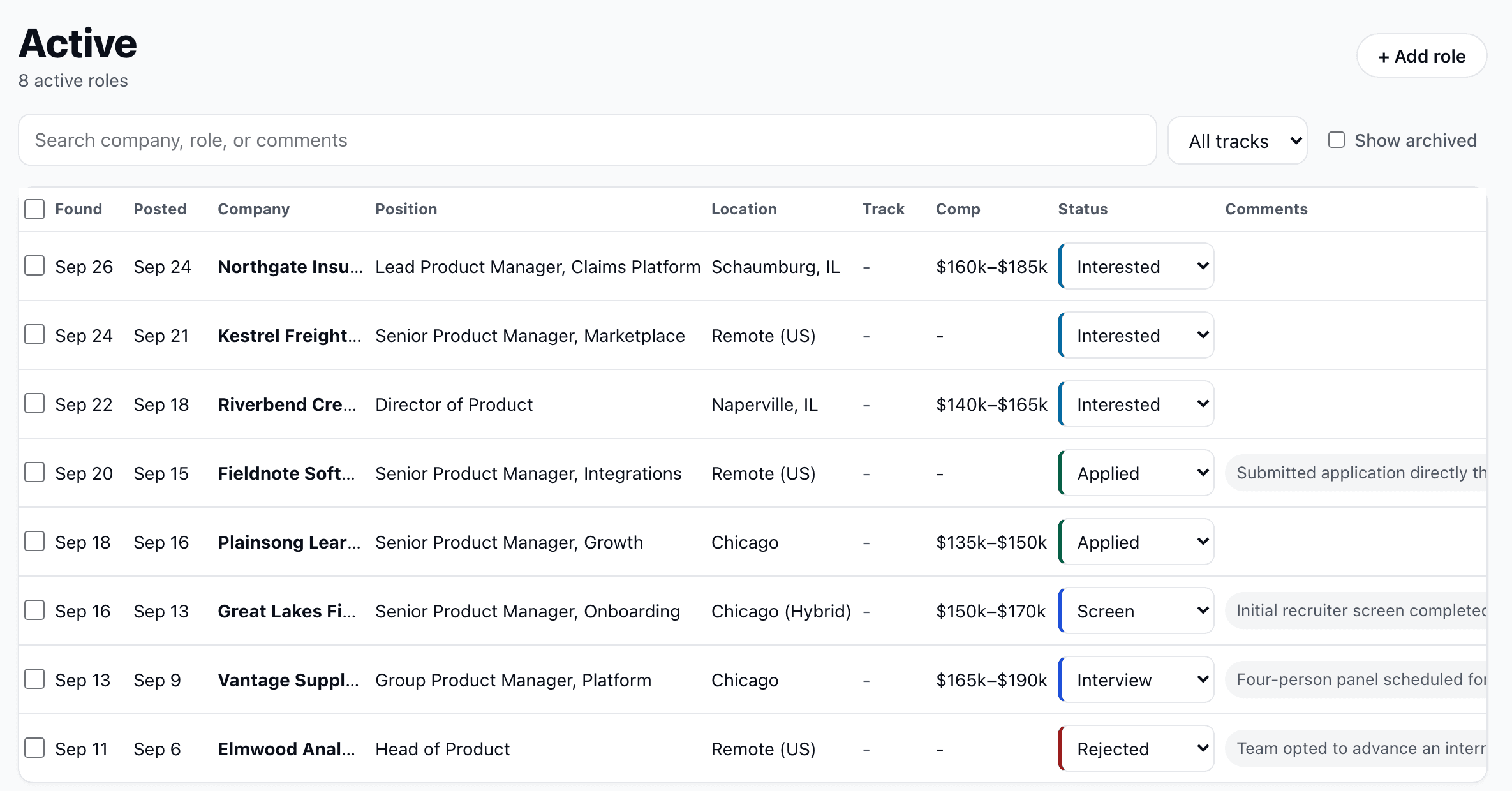
Every data column in your pipeline and Active sorts on click: date, company, verdict, track. Active sorts status in the order the journey actually runs.
When you change your criteria with your coach, roles in your pipeline that no longer fit move to archived with a visible count, and anything you've already engaged with stays put. Show archived to review them, or unarchive to pull one back.
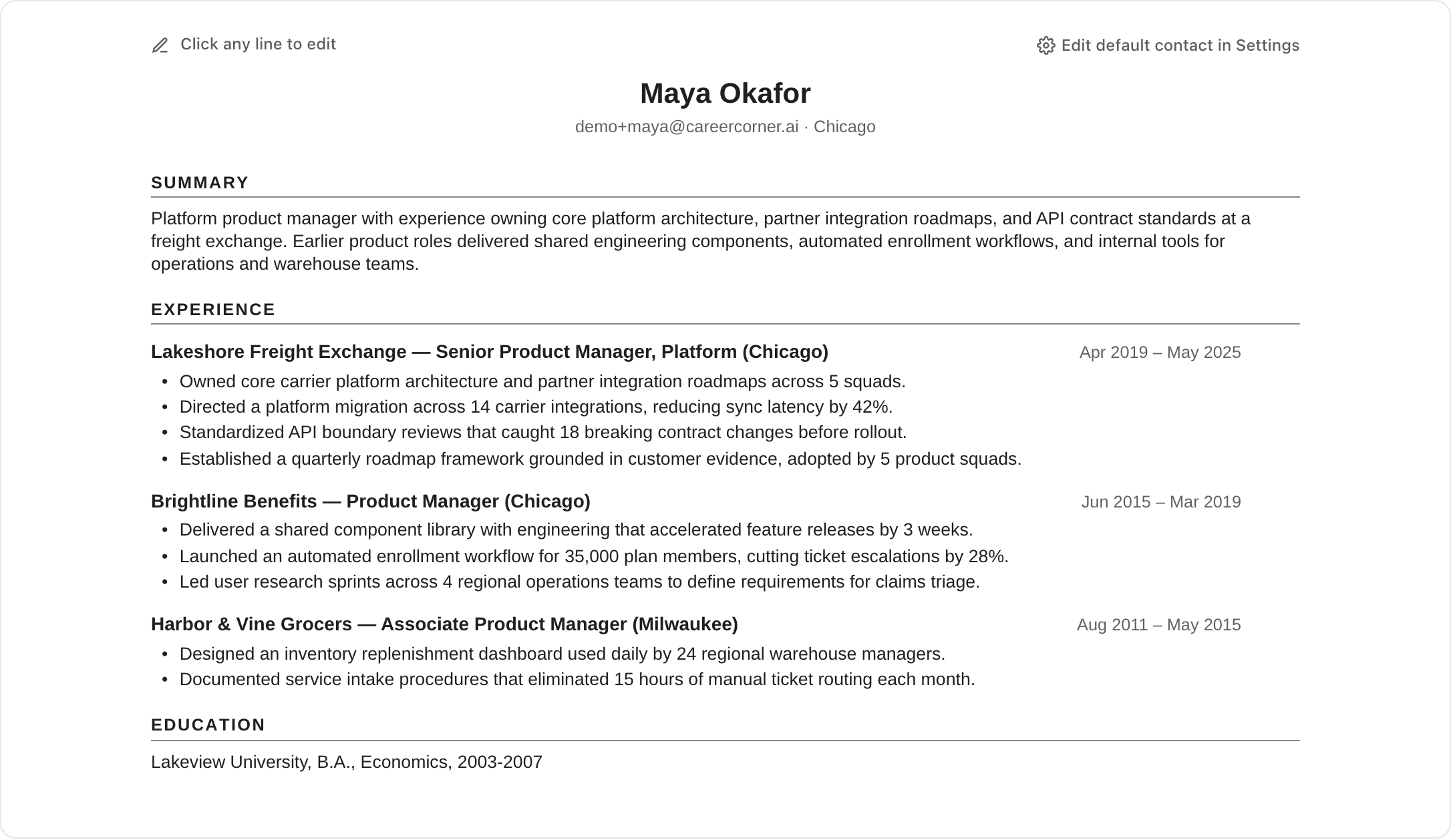
Tailored résumés come out typeset: consistent spacing, no orphaned lines, and contact details you set once. Download from your résumés as PDF or Word, named for the role.
Drop a résumé, a job description, or notes into the session and your coach reads them before answering. Ask for a critique, a comparison, or a rewrite plan.
Name, email, password, what you've used this month, and your plan all live in settings, along with a self-service way to delete the account and everything in it.